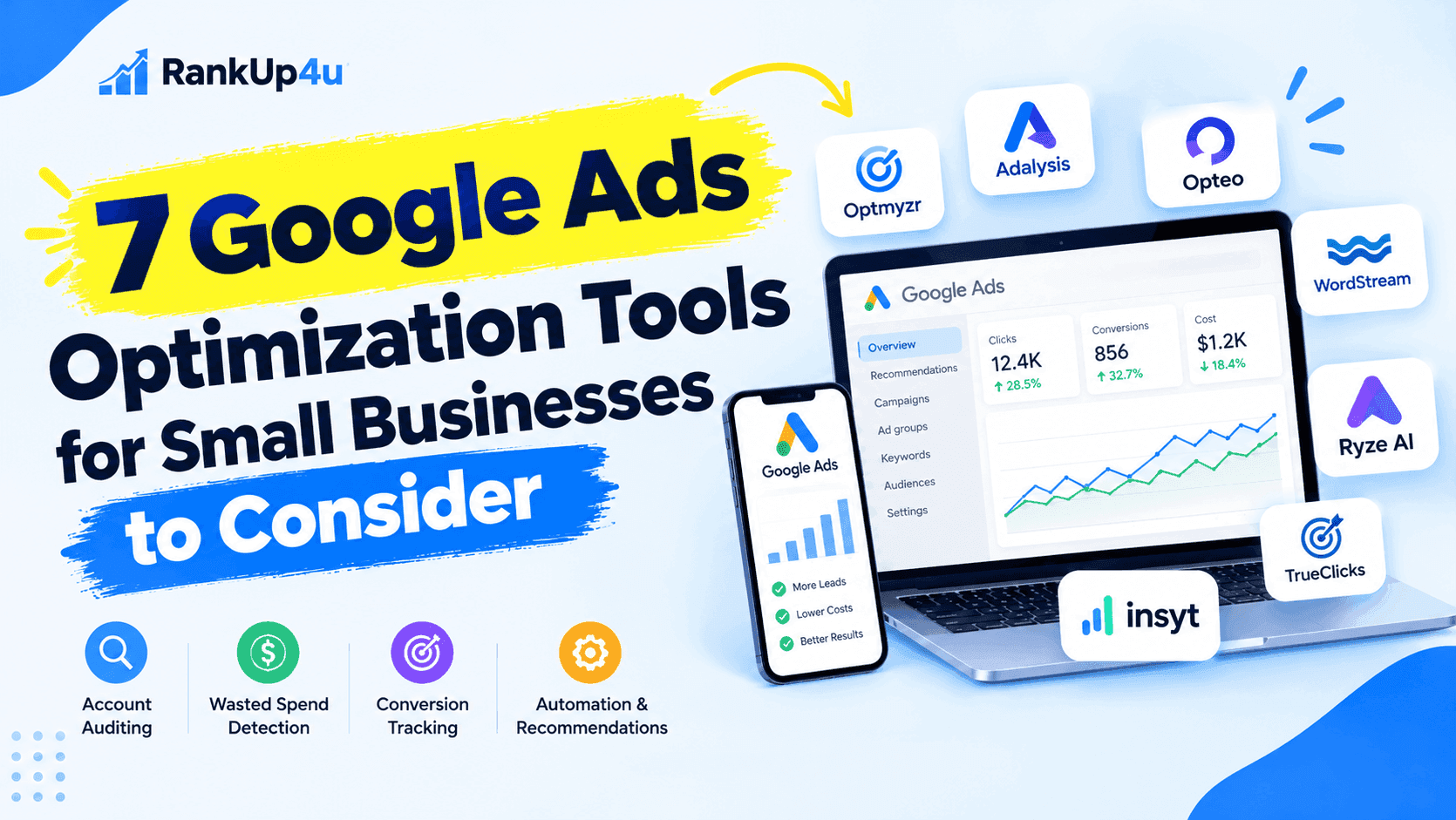
Google Ads can help small businesses reach customers who are actively searching for their products or services. However, managing campaigns effectively requires more than setting a budget and choosing keywords. Businesses also need to monitor search terms, control wasted spend, verify conversion tracking, and identify opportunities to improve performance.
Google Ads optimization tools help simplify these tasks through account audits, automated recommendations, monitoring, reporting, and campaign management features. Some tools focus on identifying account issues, while others offer advanced automation or AI-assisted advertising management.
The right solution depends on your advertising budget, technical experience, and how much control you want over campaign changes.
In this guide, we compare seven Google Ads optimization tools for small businesses: Insyt, TrueClicks, Optmyzr, Adalysis, Opteo, WordStream, and Ryze AI.
What Should Small Businesses Look for in a Google Ads Optimization Tool?
Before choosing a platform, consider which parts of Google Ads management consume the most time or create the biggest challenges for your business.
Account auditing: An auditing tool should help identify problems with campaign settings, keywords, budgets, or account structure.
Wasted ad spend detection: Look for ways to identify irrelevant search queries, inefficient spending, and campaigns that are not producing meaningful business results.
Conversion tracking: Accurate conversion data is essential for understanding which campaigns generate leads or sales. Check whether a tool can help identify tracking issues or whether you will need a separate diagnostic solution.
Automation and recommendations: Some tools suggest improvements for you to review, while others can automate selected tasks or apply changes according to configured rules.
Ease of use: A small business without a dedicated PPC specialist may benefit from a platform that explains problems clearly and prioritizes actionable recommendations.
Pricing and scalability: Compare the subscription cost with your advertising budget, the number of accounts you manage, and the features included in each plan.
Control over changes: Automation can save time, but businesses should understand what the software can change and whether proposed changes can be reviewed before implementation.
With these criteria in mind, let’s look at seven tools that serve different Google Ads management needs.
1. Insyt — Best for Google Ads Audits and Identifying Wasted Spend
Insyt is an AI-powered Google Ads management and optimization platform designed for small businesses. It focuses on helping advertisers identify wasted ad spend, uncover account problems, and address conversion-tracking issues without requiring them to manage every task manually.
Instead of relying only on campaign dashboards and performance reports, businesses can use Insyt to identify problems that may be affecting their advertising results and understand which issues deserve attention first.
Key features
- Google Ads auditing: Helps identify account issues and opportunities for improvement.
- Wasted spend identification: Highlights irrelevant searches and other potential sources of inefficient advertising spend.
- Conversion-tracking checks: Helps identify tracking problems that could affect campaign measurement.
- GA4 and Google Tag Manager integrations: Connects advertising optimization with relevant analytics and tagging workflows.
- Review and approval: Users can review recommended fixes before they are applied, maintaining control over account changes.
- Ongoing monitoring: Supports recurring account checks rather than relying exclusively on occasional manual audits.
These capabilities are particularly relevant to small businesses that lack the time or resources to review every campaign detail themselves.
Why consider Insyt?
A business might receive plenty of clicks but still struggle to generate qualified leads. Irrelevant search traffic, poorly configured targeting, or inaccurate conversion tracking can make it difficult to determine where the budget is going.
Insyt is designed to help surface these issues and make the findings easier to understand. Its emphasis on explaining account problems and allowing users to review proposed fixes can be useful for advertisers who want assistance without giving up control over their campaigns.
For businesses looking for a Google Ads optimization tool that highlights wasted spend and tracking issues, Insyt is worth considering.
Potential limitations
Insyt is primarily focused on Google Ads optimization and related tracking workflows. Businesses seeking a broad, multi-platform advertising management suite should verify whether its current capabilities cover all their requirements.
Best for
Small businesses that want to identify wasted ad spend, catch tracking issues, and maintain visibility into recommended account changes.
Website: https://tryinsyt.com/
2. TrueClicks — Best for PPC Account Auditing and Monitoring
TrueClicks is PPC management software focused on account monitoring, auditing, and identifying issues that could affect advertising performance.
Its platform uses account data and PPC logic to help advertisers monitor their accounts, spot potential problems, and prioritize improvements. It is especially relevant to agencies and teams responsible for managing multiple advertising accounts.
Key features
- Automated PPC account monitoring.
- Account health checks and issue identification.
- Performance and budget monitoring.
- Recommendations and workflows for addressing account problems.
- Tools designed to support PPC teams and agency operations.
TrueClicks also offers interactive product tours, allowing prospective users to explore aspects of the platform before deciding whether it fits their workflow.
Why consider TrueClicks?
Regular monitoring is important because account problems can develop between scheduled audits. Changes to campaign settings, shifts in search behavior, and budget allocation issues can all affect performance.
TrueClicks aims to make it easier for PPC professionals to stay on top of these changes. Its emphasis on monitoring and account health makes it particularly relevant for teams that need a consistent process for reviewing advertising accounts.
Potential limitations
Businesses should evaluate the platform’s account-management workflow, available integrations, and pricing against their needs. A small advertiser running one straightforward campaign may not require the same monitoring capabilities as an agency managing numerous clients.
Best for
PPC agencies, consultants, and advertisers who prioritize recurring account audits and monitoring.
3. Optmyzr — Best for Advanced PPC Automation
Optmyzr is a PPC management platform that helps advertising teams analyze campaign performance, automate repetitive work, and implement optimization workflows.
Its capabilities extend beyond basic Google Ads auditing. The platform supports advertising workflows across Google Ads and other paid-media channels, making it relevant to businesses and agencies with more complex campaign-management requirements.
Key features
- PPC optimization workflows and account audits.
- Rule-based automation through its Rule Engine.
- Search-term and keyword analysis.
- Bid and budget management tools.
- Performance monitoring and alerts.
- Reporting and dashboard capabilities.
- Support for Google Search, Shopping, Performance Max, and other supported advertising platforms.
Optmyzr’s feature set and account limits depend on the selected plan. Its official pricing page provides details about plan options and included capabilities.
Why consider Optmyzr?
Businesses and agencies often repeat the same PPC management tasks across campaigns: reviewing search terms, checking account settings, monitoring budgets, and applying predefined optimization rules.
Optmyzr helps organize and automate many of these activities. This can be particularly useful when managing multiple accounts or handling more sophisticated advertising workflows.
For example, a PPC team could use automation rules to flag certain account conditions and create a more consistent process for investigating potential issues.
Potential limitations
Optmyzr offers a broad set of capabilities, which may require more setup and learning than a small business needs for a simple account. Advertisers should also evaluate its pricing in relation to their account volume and advertising spend.
Best for
Experienced PPC managers, agencies, and businesses that need advanced automation and repeatable optimization workflows.
4. Adalysis — Best for PPC Auditing and Ad Testing
Adalysis is a PPC management platform with capabilities for account auditing, performance monitoring, ad testing, budget management, and optimization.
It is particularly relevant to advertisers who want structured ways to review account health and analyze opportunities for improving campaign performance.
Key features
- Automated account audits and issue detection.
- Performance monitoring and alerts.
- Ad testing and analysis.
- Search-term and keyword management tools.
- Budget monitoring and optimization.
- Reporting and performance insights.
- Automation workflows and rule-based checks.
Adalysis also provides resources and feature information for PPC advertisers and agencies through its official website.
Why consider Adalysis?
Ad testing can be difficult to manage consistently when an advertiser has multiple campaigns and many ads to evaluate. Similarly, checking every account setting manually can become time-consuming as an account grows.
Adalysis brings several of these activities into a more structured workflow. Its auditing and testing capabilities may help PPC specialists identify issues and assess opportunities that require further investigation.
For example, an advertiser could use its testing features to evaluate ad performance more systematically instead of making decisions based only on a short-term change in clicks.
Potential limitations
Adalysis may be more suitable for advertisers who actively manage and analyze their PPC campaigns than for businesses looking for a simple, hands-off management experience. Prospective users should compare the available features and account limits with their requirements.
Best for
PPC specialists and businesses that want structured account auditing, monitoring, and ad-testing workflows.
5. Opteo — Best for Guided Google Ads Optimization
Opteo is a Google Ads management tool that monitors campaign performance and provides recommendations designed to help advertisers improve their accounts.
Its approach centers on identifying patterns in Google Ads performance data and presenting suggested improvements that users can review and apply.
Key features
- Recommendations based on Google Ads performance data.
- Monitoring for performance changes and potential issues.
- Tools for tracking advertising spend.
- Google Ads reporting capabilities.
- Alerts to help users stay informed about account performance.
- Workflows for applying suggested improvements.
Opteo offers a 14-day free trial according to its official website. Check its current terms before signing up.
Why consider Opteo?
Small businesses often know they should optimize their Google Ads campaigns but are unsure which task to prioritize.
Opteo’s recommendation-led approach helps turn performance data into suggested actions. Rather than requiring users to analyze every metric from scratch, it highlights opportunities that may deserve attention.
This can be useful for advertisers who want ongoing guidance while remaining involved in campaign management.
Potential limitations
Opteo is focused on Google Ads rather than serving as a general-purpose advertising platform. Businesses should also check which account types, features, and pricing plans suit their specific needs.
Best for
Small and midsize advertisers who want guided optimization recommendations and tools for monitoring Google Ads performance.
6. WordStream — Best for Accessible PPC Tools and Guidance
WordStream offers digital advertising resources and tools that help businesses understand and improve their online advertising.
Its offering includes educational content, keyword research resources, and a Google Ads Performance Grader designed to evaluate an account across several performance areas.
Key features
- Google Ads Performance Grader.
- Free keyword research tools.
- PPC educational resources and guides.
- Performance analysis and optimization suggestions through its available tools.
- Advertising guidance for businesses and agencies.
WordStream’s Google Ads Performance Grader provides an account report covering areas such as wasted spend, Quality Score, click-through rate, impression share, account activity, long-tail keywords, and mobile optimization. The available assessment can help advertisers identify areas that may deserve further investigation.
Details about these tools are available on the WordStream website.
Why consider WordStream?
Not every small business needs a comprehensive paid optimization platform immediately. Some advertisers first need to understand their account’s weaknesses and learn which changes could improve performance.
WordStream’s educational resources and diagnostic tools can provide a starting point for that process. Its resources may also help business owners become more familiar with PPC terminology and optimization practices.
Potential limitations
WordStream’s free diagnostic and educational tools should not be confused with continuous account management or automated optimization. Businesses should verify which functions are currently free and which may require additional services.
Best for
Small businesses and beginners who want accessible PPC guidance, educational resources, and initial account diagnostics.
7. Ryze AI — Best for AI-Assisted Advertising Management
Ryze AI positions itself as an AI-powered platform for managing advertising and related marketing activities.
Unlike tools focused mainly on Google Ads auditing, Ryze AI presents a broader approach to advertising management, with support for multiple platforms and workflows.
Key features
- AI-assisted paid advertising management.
- Support for Google Ads and other advertising platforms, including Meta and TikTok.
- Campaign performance monitoring and analytics.
- Budget and return-on-ad-spend visibility.
- Recommendations and automation-oriented workflows.
- Broader marketing capabilities described on its website, including SEO-related features.
The specific platforms and functions available to a business should be verified against the current product offering and plan.
Why consider Ryze AI?
Businesses advertising across several channels may want a more centralized way to understand campaign performance and coordinate optimization activities.
Ryze AI’s multi-platform positioning may appeal to businesses that want to use AI to assist with advertising management across more than one channel rather than focusing exclusively on Google Ads.
For example, a business advertising on both Google and Meta may prefer to evaluate tools that can help it understand performance across those platforms.
Potential limitations
A broader feature set does not automatically make a tool the best option for every advertiser. Businesses focused primarily on Google Ads audits should compare Ryze AI’s account-level diagnostic capabilities with tools built specifically around auditing and monitoring.
Best for
Businesses interested in AI-assisted advertising management across multiple marketing platforms.
Google Ads Optimization Tools Compared
The following table summarizes the primary use cases of these seven tools. The categories describe their general positioning, not an independent performance ranking.
| Tool | Primary focus | Best suited for |
| Insyt | Google Ads audits, wasted-spend identification, and tracking issues | Small businesses that want clearer account diagnostics |
| TrueClicks | PPC monitoring and auditing | Agencies and teams managing multiple accounts |
| Optmyzr | Advanced PPC automation and optimization workflows | Experienced PPC teams and agencies |
| Adalysis | Account auditing, monitoring, and ad testing | Advertisers focused on account health and testing |
| Opteo | Guided optimization recommendations | Hands-on Google Ads advertisers |
| WordStream | PPC tools, diagnostics, and education | Small businesses and beginners |
| Ryze AI | AI-assisted, multi-platform advertising management | Businesses seeking broader advertising automation |
Pricing, feature access, supported integrations, and account limits vary. Review each provider’s current plan details before making a decision.
How to Choose the Best Google Ads Optimization Tool for Your Business
There is no single solution that fits every small business. The most appropriate tool depends on the problems you need to solve.
If You Want to Find Wasted Ad Spend
Start with a tool that helps you identify irrelevant search queries, inefficient budget allocation, and account issues.
Reviewing search terms is especially important because the keywords you target do not always reflect the exact searches that trigger your ads. Adding appropriate negative keywords and refining targeting can help reduce irrelevant traffic.
Insyt and TrueClicks are worth evaluating if auditing and issue detection are your primary concerns. WordStream’s Google Ads Performance Grader can also provide an initial diagnostic assessment.
If You Need More Automation
Consider how much repetitive work your team performs and whether predefined rules, automated recommendations, or broader AI-assisted management would be useful.
Optmyzr is relevant for advanced PPC automation workflows, while Ryze AI takes a broader multi-platform approach. Opteo offers a recommendation-led workflow for Google Ads advertisers.
Before enabling automation, establish clear performance goals and review what the tool is permitted to change.
If You Need Better Conversion Tracking
First, confirm that the actions you care about—such as purchases, qualified leads, or completed forms—are being measured correctly.
Google’s Smart Bidding strategies use conversion tracking data to optimize bids toward conversion-related goals. If the underlying conversion data is inaccurate, automated bidding may optimize toward misleading signals. See Google’s official Smart Bidding documentation.
For businesses concerned about tracking issues, evaluate Insyt’s tracking diagnostics alongside your existing Google Ads, GA4, and Google Tag Manager setup.
If You Manage Multiple Client Accounts
Agencies and consultants may need cross-account monitoring, bulk workflows, reporting, and automation.
Optmyzr, TrueClicks, and Adalysis are worth comparing for these needs. However, account limits and advanced capabilities may depend on the selected plan, so check the current product documentation.
If You Have a Limited Budget
Start by using the tools already included in Google Ads. Native features such as conversion tracking, automated bidding, campaign recommendations, and Google Ads Editor may cover some basic requirements without a separate optimization subscription.
Add paid software when it solves a specific problem, saves meaningful time, or provides capabilities that your existing setup lacks.
Compare the subscription fee with the potential value of the problems you need to address. A more expensive tool is not necessarily better for a small account, and a low-cost tool is not automatically the best value.
Are Google Ads Optimization Tools Worth It for Small Businesses?
They can be valuable when they address a real operational problem.
For example, an account with irrelevant search traffic may benefit from more consistent search-term reviews. An advertiser managing several campaigns may save time with automated monitoring. A business relying on conversion-based bidding may need stronger checks to ensure its tracking remains accurate.
However, optimization tools do not guarantee lower advertising costs, more sales, or a positive return on ad spend. Results depend on factors such as campaign setup, competition, landing-page quality, conversion measurement, and the quality of the product or service being advertised.
Small businesses should also avoid making frequent campaign changes based on limited data. Google’s guidance on evaluating Smart Bidding performance explains the importance of accounting for conversion delays and allowing strategies time to stabilize after significant changes.
The goal is not to automate every decision. It is to identify important issues, make better-informed changes, and evaluate whether those changes improve business outcomes.
Final Verdict: Which Google Ads Optimization Tool Should You Choose?
The best Google Ads optimization tool depends on your business’s goals, budget, and management requirements.
- Insyt: Consider it if your priority is identifying wasted ad spend, finding tracking issues, and reviewing recommended fixes.
- TrueClicks: Consider it for recurring PPC account monitoring and auditing.
- Optmyzr: Explore it if you need advanced PPC automation and optimization workflows.
- Adalysis: Evaluate it for structured account audits, monitoring, and ad testing.
- Opteo: Consider it if you prefer guided Google Ads optimization recommendations.
- WordStream: Explore its resources and diagnostic tools if you are starting with PPC optimization.
- Ryze AI: Evaluate it if you want AI-assisted advertising management across multiple platforms.
Before committing to a subscription, identify your biggest advertising challenge and test the tools that address it directly. Compare their current pricing, features, usability, and control over campaign changes.
For small businesses, improving visibility into campaign problems and maintaining accurate conversion data can be a useful starting point. The right tool should make those tasks easier while helping you stay focused on the outcomes that matter: qualified leads, sales, and sustainable advertising performance.