
An anonymous Snapchat story viewer lets you watch public Snapchat Stories online without logging into Snapchat. No Snapchat account is involved, so your username doesn’t show up on the poster’s viewer list.
I checked the current versions of the most recommended tools in September 2026. I went through their homepages, FAQs, pricing pages, and privacy policies. Then I compared what they promise with what Snapchat’s own help pages say.
One limit applies to every tool here: they only work with public content. Friends-only Stories stay private, no matter what a website claims.
Below you’ll find my verdict, a comparison table, notes on each tool, and straight answers about private Stories, notifications, airplane mode, and safety.
My Verdict
After checking the current tools, the main thing I learned is that “anonymous Snapchat viewer” covers two very different products.
Browser viewers only work with public profiles. PeekPublic, StoryLooker, and SnapStoryView are in this group. For that job, they’re free and don’t ask for a login. Snapchat’s own public profile pages also load in a browser without an account, which many people don’t realize.
Monitoring apps aren’t Story viewers at all. XnSpy and mSpy are installed on a phone you have the legal right to monitor. XnSpy’s own purchase page lists its Snapchat monitoring as Android only, for rooted devices.
No tool I checked can legitimately show private or friends-only Stories. Also, “anonymous” only means the Story owner won’t see your name. The website you use can still see things like your IP address.
Quick Comparison of the Best Snapchat Story Viewer Tools
| Tool | Type | Snapchat Login | Public Stories | Installation | Price | Best For |
| Snapchat public profile pages | Snapchat’s official web page | No | Stories tab on public profiles | No | Free | Checking public accounts without a third-party site |
| PeekPublic | Browser viewer | No, per site | Yes | No | Free, per site | Simple lookups with clear limits |
| StoryLooker | Browser viewer | No, per site | Yes, with downloads | No (optional extension and Windows app) | Free, ad-supported | Quick viewing with a detailed privacy policy |
| SnapStoryView | Browser viewer | No, per site | Yes, with bulk download | No | Free, per site | Saving public Stories |
| ScrapeCreators free tool | Browser tool from an API company | No signup | Stories, Highlights, Spotlight | No | Free tool, paid API | Highlights, Spotlight, and profile stats |
| Storyclone | Browser viewer | No, per site | Stories, Highlights, Spotlight | No | Free, shows ads | Pasting Highlight or Spotlight links |
| XnSpy | Device monitoring app | Not applicable | Not a Story viewer | Yes, physical access | From $59.99/year | Authorized monitoring of a device you own |
| mSpy | Device monitoring app | Not applicable | Not a Story viewer | Yes | Not confirmed on official site | Authorized monitoring when free tools aren’t enough |
What Is an Anonymous Snapchat Story Viewer?
When you watch a Story inside the Snapchat app, Snapchat records it. According to Snapchat Support, Story owners can see their view count and the names of up to 200 viewers. For public Stories, Snapchat lists the friends, followers, and other Snapchatters who watched.
An anonymous viewer skips the app. When someone turns on a Public Profile, Snapchat publishes a web page for that profile. Browser-based viewers read the public content on those pages and show it on their own site.
Here’s how it works in practice:
- You type a public Snapchat username into the viewer.
- The viewer loads the public content Snapchat already shows on the web.
- You watch the Story in your browser, with no Snapchat account attached.
So the “anonymous” part is simple. There’s no Snapchat account behind the view, so there’s no name to add to a viewer list. That’s how people watch Snapchat stories without them knowing.
It’s also why these tools can’t do more. They see what anyone on the open web can see, and nothing else.
How I Checked and Compared These Tools
I did this research in mid-September 2026. Here’s what I actually did:
- Tool websites. I opened each tool’s current website and read its homepage, FAQ, and privacy policy where one was linked.
- Snapchat’s own page. I loaded a public Snapchat profile page (ESPN’s) without logging in, to see what Snapchat shows visitors who aren’t signed in.
- XnSpy’s purchase page. I read it line by line, including the small print in its feature list.
- Snapchat’s help center. I compared each tool’s claims against it.
- Top-ranking articles. I read the leading articles for this search, including XnSpy’s two recent Snapchat viewer roundups. I noted where their claims didn’t match the product pages.
I did not buy XnSpy or mSpy, so I don’t describe using their dashboards. When a detail comes only from a tool’s own website, I say so.
I also skipped numerical scores. A “9.3/10” doesn’t mean much when the tools on one list do completely different jobs.
Browser-Based Snapchat Story Viewers I Checked
1. Snapchat’s Own Public Profile Pages

Most roundups skip this one. It turned out to be the most useful thing I found.
What I found: Snapchat hosts a web page for Public Profiles. Snap’s developer documentation shows the address format, such as snapchat.com/add/espn-snap. When I opened ESPN’s page without logging in, it loaded in the browser. It showed:
- the profile name and bio
- tabs for Stories, Spotlight, and Lenses
- a long list of Spotlight videos
It also nudged me to open the app, with an option to continue in the browser.
Login/account: Not needed to load the page.
Public/private content: Public Profiles only. A regular friends-only account doesn’t have this kind of public page. I didn’t see an active Story playing on the profile I checked, so I can’t confirm exactly how live Stories display there.
Pricing: Free.
Best for: Checking a creator, brand, or public figure without sending your visit through a third-party site.
What I didn’t like: The page is built to push you into the app. Also, if you’re signed in to Snapchat on the web in the same browser, I can’t say how Snapchat treats that visit. Use a private window where you aren’t logged in.
2. PeekPublic
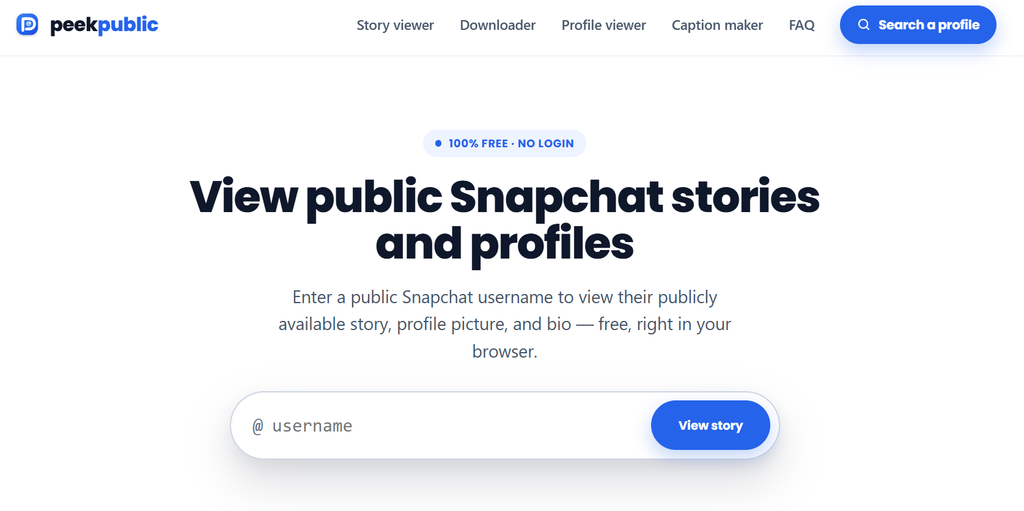
What I found: PeekPublic had the most careful wording of the viewers I checked. There’s no “100% anonymous” banner. Its FAQ says plainly that private Stories, expired Stories, and friends-only content can’t be viewed.
What it does: You search a public username to see that account’s public Story. The site also has a profile viewer, a Story downloader, a profile picture downloader, and a caption maker.
Login/account: According to the site, no Snapchat login, app, or account is needed.
Pricing: Listed as free.
Best for: Quick public lookups from a site that’s upfront about its limits.
What I didn’t like: It’s basic. If a username shows nothing, the site can only suggest that the Story isn’t public or has expired.
3. StoryLooker
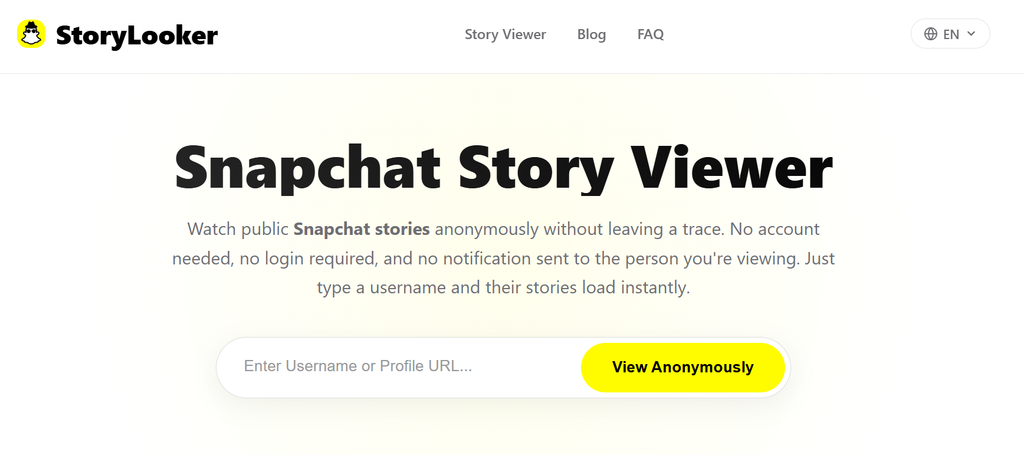
StoryLooker ranks near the top for this search and appears in most competitor lists.
What it does: According to its site, you type a public username to watch active Stories, see the profile picture, and download photos or videos. It also offers a Chrome extension and a Microsoft Store app.
Login/account: Not required, per the site.
Pricing: Free. The privacy policy says the site shows Google AdSense ads.
What I found: This is where the anonymity question gets interesting. The homepage FAQ calls the service 100% anonymous. The privacy policy, updated May 8, 2026, is more precise:
- Searches: it says the usernames you search aren’t stored and aren’t linked to your IP address.
- Server logs: it says these may record your IP address, browser type, and operating system.
- Ads: it says Google may collect your IP address through its ads.
That’s normal for an ad-supported website. But it shows the gap between “the Story owner won’t know” and “nobody knows.”
Best for: Fast public Story viewing and downloads, from a site whose privacy policy explains what gets logged.
What I didn’t like: The “100% anonymous” line. I’d also stick with the website instead of the extension. An extension adds browser permissions you don’t need just to view a public Story.
4. SnapStoryView
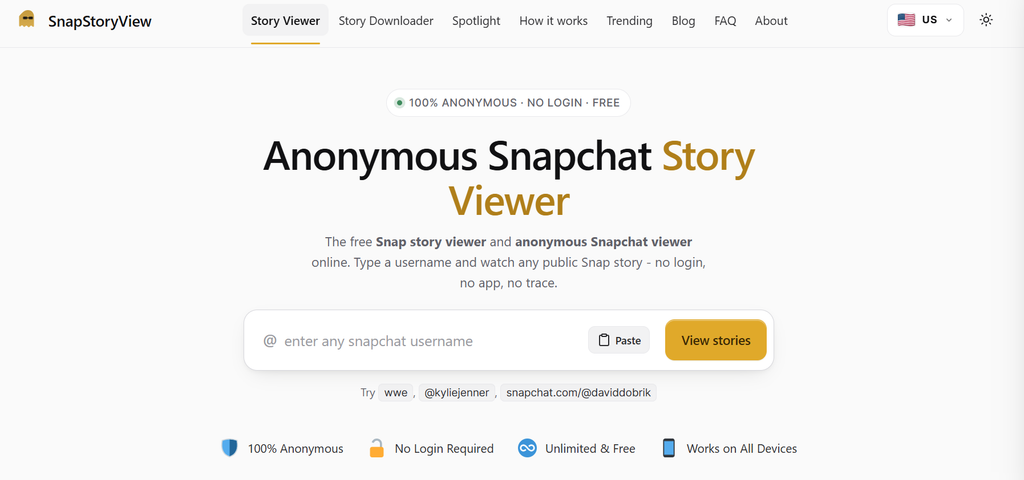
What it does: According to its site, it accepts a plain username, an @username, or a full snapchat.com link. It includes:
- a Story viewer
- a Story downloader with a “Download all” option
- a Spotlight downloader for pasted links
- a “Trending” page of popular public creators
What I found: SnapStoryView explains its method more clearly than most. It says it never signs in to Snapchat and reads the public profile page Snapchat already serves. It also says private accounts won’t appear and there’s no way around that.
Its FAQ says your IP address is never shared with the poster. Read that wording closely. It’s a promise about the Story owner, not about what the site itself receives.
Login/account: Not required, per the site.
Pricing: Listed as free with no daily limit.
Best for: Saving public Stories, especially several from one profile.
What I didn’t like: It still advertises “100% anonymous” at the top of the page. The page code also shows it runs Google AdSense.
5. ScrapeCreators Free Snapchat Story Viewer
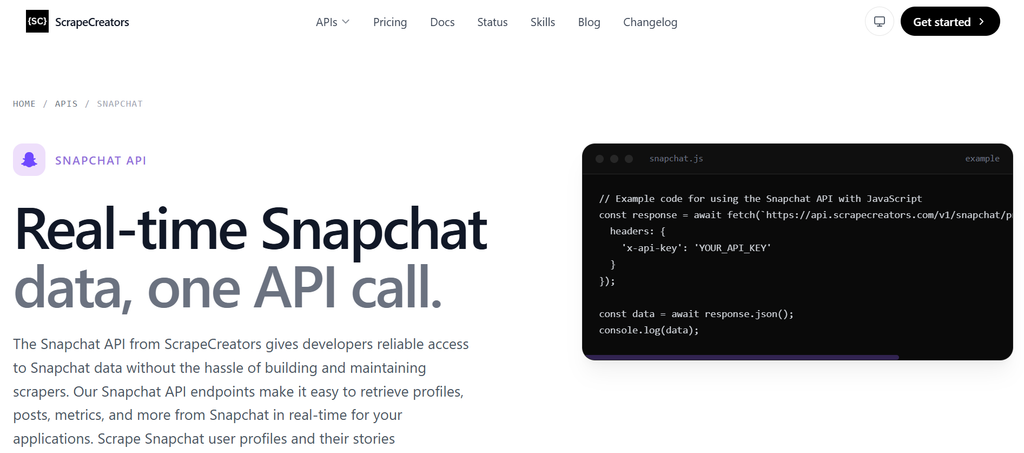
This free tool comes from a company that sells social media data APIs, so it also works as a demo for its paid product.
What it does: You enter a username to see current public Stories, saved Highlights, Spotlight videos, and profile stats. The page says Highlights can appear even when there’s no active Story.
What I found: The wording is direct. The page says the tool doesn’t log into any account or unlock private content. It also lists the usual reasons a search comes back empty: the Story is private, expired, or not public.
Login/account: No signup for the free tool. The paid API needs an account.
Pricing: The viewer is free. The API is a paid service with free starter credits.
Best for: Marketers, researchers, or developers who want Highlights, Spotlight, and profile numbers in one place.
What I didn’t like: The page promotes the paid API, which casual users won’t need.
6. Storyclone
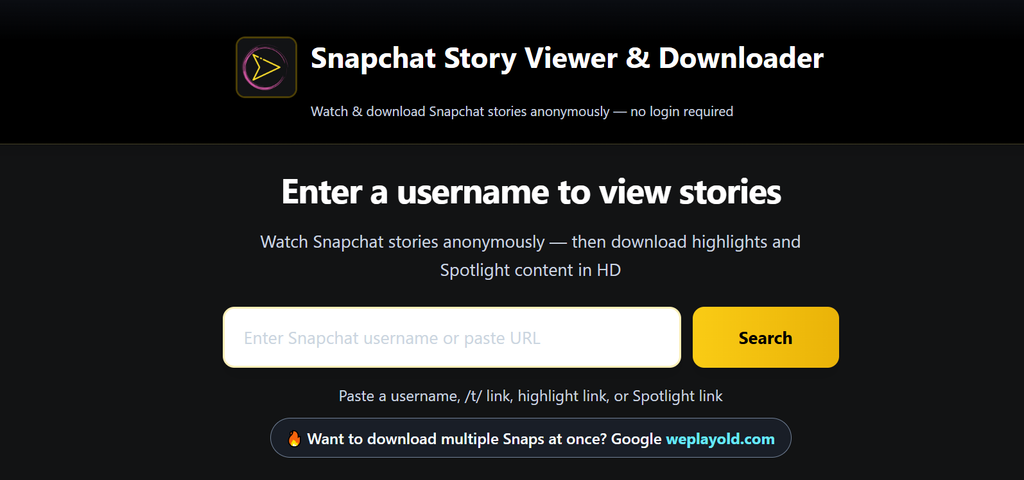
What it does: Storyclone’s Snapchat page accepts a username, a Highlight link, or a Spotlight link. It says you can view Stories, Highlights, and Spotlight videos and then download them.
What I found: The page showed an “Advertisement” label and a banner sending people to a separate website for bulk downloads. The footer says Storyclone doesn’t store user data. But I couldn’t find a privacy policy link on the viewer page, only a Support link.
One competitor claimed Storyclone showed expired Stories from any date. Storyclone’s current page doesn’t claim that. It mentions saved Highlights and Spotlight, which are different from expired Stories.
Login/account: Not required, per the site.
Pricing: Listed as free.
Best for: Saving a Highlight or Spotlight video when you already have the link.
What I didn’t like: The ads, the push to another site, and no privacy policy I could find.
Snapchat Monitoring Apps Work Differently
This is where many articles blur things. They put phone monitoring apps in the same list as browser viewers, sometimes in first place.
These are not the same kind of product. A browser viewer reads public web pages. A monitoring app is software installed on a phone. It records what happens on that screen, and the buyer reviews it on a dashboard.
A monitoring app doesn’t open anyone’s private Story from the outside. It needs physical access to a device. It’s only legal on a device you have the right to monitor, like a child’s phone you own. XnSpy’s own disclaimer says using it on a spouse’s or partner’s phone is illegal. It also notes that most U.S. states require the user’s consent.
7. XnSpy
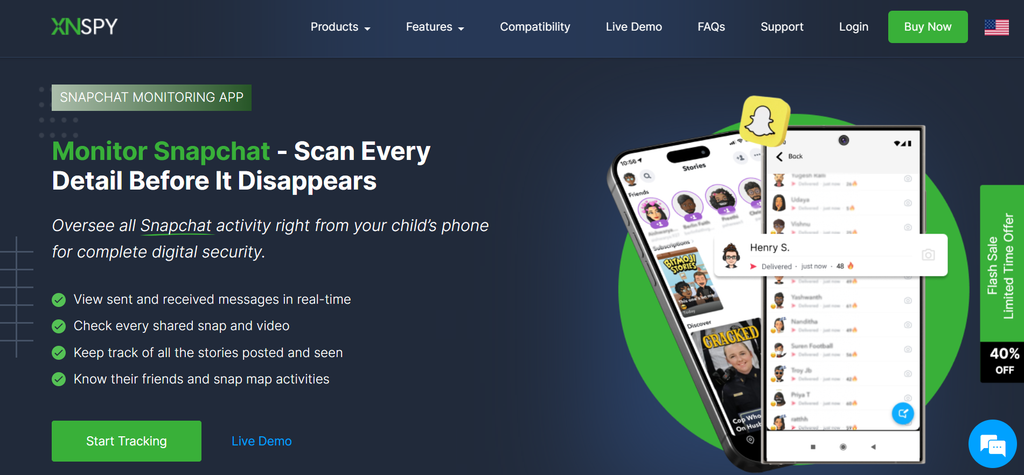
What it does: XnSpy is a phone monitoring app for Android and iPhone. It covers calls, texts, location, apps, and more through a web dashboard.
What I found: XnSpy’s blog ranks XnSpy first in both of its Snapchat viewer roundups. Its August 2026 article describes Snapchat screenshots taken every few seconds and lists iOS 6 and later as compatible.
The purchase page is much narrower:
- Snapchat support: marked Android only, done through screen recording, and available only on rooted Android devices.
- iPhone support: listed only up to iOS 17.0.3.
- Installation: needs physical access to the phone on either platform, and an iPhone must be connected to a computer.
If you’re thinking about XnSpy for Snapchat, trust the purchase page over the blog. Rooting a phone is a big step. It can weaken the phone’s security, and most parents won’t want to do it.
Pricing (from XnSpy’s purchase page):
| Plan | 1 month | 3 months | 12 months |
| Basic | $29.99 | $41.99 | $59.99 |
| Premium | $35.99 | $59.99 | $89.99 |
These prices were shown with a 40% off promotion. The page mentions only a partial refund, requested within the first 10 days.
Best for: Parents who legally own a child’s Android phone, need broader device monitoring, and have confirmed the Snapchat feature works on that exact device.
What I didn’t like: The gap between the blog’s Snapchat claims and the purchase page’s fine print.
8. mSpy
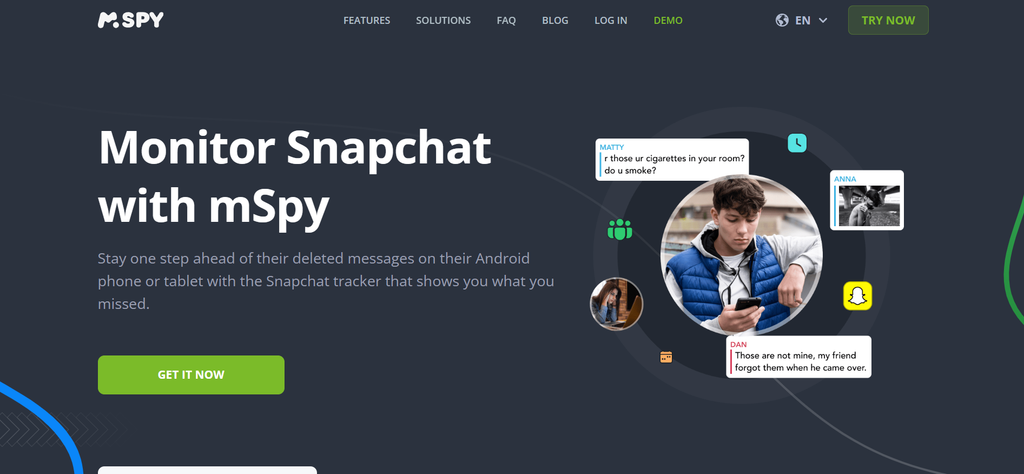
What it does: mSpy is another installed monitoring app, with social media, messaging, location, and keyword alert features.
What I found: I couldn’t confirm current pricing on mSpy’s own site during my research. Independent reviews updated in 2026 list Premium at $48.99 for one month and about $11.66 per month on a yearly plan. Treat those numbers as a starting point and check the real checkout total.
Reviews also disagree about Snapchat. One 2026 review says mSpy can monitor Snapchat on iPhones. Another says reading Snapchat messages needs a rooted or jailbroken device. When sources conflict like that, ask the company’s support team before you pay.
Best for: Authorized monitoring of a child’s device, once you’ve confirmed Snapchat support for that specific phone.
What I didn’t like: Unclear platform limits, and a price that makes no sense if you only want to watch public Stories.
A Free Option Parents Often Miss: Snapchat Family Center
If you’re a parent, look at Snapchat’s built-in Family Center before paying for software. Snapchat says it lets parents see their teen’s friends, who they’ve chatted with recently, and how much time they spend on the app. Parents can also request location sharing. It does not show message content.
It isn’t anonymous, because your teen has to accept the invite. But that openness is the point, and there’s nothing to install on their phone.
Browser-Based Viewers vs Snapchat Monitoring Apps
| Browser-Based Viewers | Monitoring Apps | |
| How it works | Reads public Snapchat web pages | Records activity on a phone it’s installed on |
| Needs the other person’s phone | No | Yes, with physical access |
| Shows private Stories | No | Only what appears on a monitored screen |
| Snapchat login | No | No |
| Cost | Usually free | Paid subscription |
| Legal limits | Public content | Only devices you’re allowed to monitor |
To see a public account’s Story, a browser viewer or Snapchat’s own profile page is all you need. Monitoring apps solve a different problem for a different person.
Anonymous to the Story Owner Doesn’t Mean Anonymous to the Website
This is the part most viewer sites skip.
When you use a third-party Snapchat story viewer, the Story owner doesn’t get your name. But the viewer website still receives your visit. Depending on how it’s set up, it may log:
- your IP address
- your browser and device type
- cookies, including ad and analytics cookies
- which pages you open on the site
Not every site stores this, and practices vary a lot. StoryLooker’s policy, covered above, is a good example of a clear one. It says your searches aren’t saved, but basic server logs and ad cookies are still part of the picture.
If a site has no privacy policy at all, you simply don’t know what it keeps.
A few habits help:
- Use a private browser window.
- Block third-party cookies.
- Never sign into anything on these sites.
For stronger protection, our guide to private browsers that actually protect your data compares your options.
What Anonymous Snapchat Viewers Can and Cannot Access
Public Stories: Yes, while they’re live. These are Stories posted to a Public Profile, which Snapchat says anyone on Snapchat can view.
Friends-only Stories: No. Snapchat’s default setting lets only friends see your Story. These Stories never appear on a public web page, so a public viewer has nothing to read.
Expired Stories: Usually no. Snapchat says a public Story stops being viewable once it expires. A site might have saved something while it was public, but don’t count on it.
Highlights: Often yes, on public profiles. Highlights are Stories a creator chose to keep on their profile. ScrapeCreators and Storyclone both say they show them.
Spotlight: Yes, when it’s public. Spotlight is Snapchat’s public short-video feed, and it’s a separate feature from Stories. Watching Spotlight has nothing to do with Story viewer lists.
Public profile details: Usually the name, bio, profile picture, and sometimes subscriber counts. Snapchat also offers public posting options to some 16 and 17-year-olds, so a public account isn’t always an adult’s.
Can You View Snapchat Stories Without an Account?
Yes, for public profiles. Snapchat’s own public profile pages load in a browser without an account. Third-party viewers also let you search by username without the app. If you’re interested in viewing public social media content without logging in, an anonymous Instagram viewer can also help you browse public Instagram stories and profiles without signing into your account. Just like Snapchat, these tools generally cannot access private content or bypass account privacy settings.
For regular friends-only accounts, no. You’d need your own account, and the person would have to accept you as a friend.
Can You View a Private Snapchat Story Anonymously?
No legitimate tool can do this.
A private Story is limited to people the owner approved. It isn’t published anywhere on the open web. A website that claims it can pull private Stories is either misleading you or trying to get something from you, like your login, your money, or a download.
During my research, I found a viewer site with a “Private Story Downloader” in its menu. Treat something like that as a warning sign, not a feature.
Monitoring apps don’t change this. They don’t unlock anyone’s account. They only capture what appears on a device they’re installed on, and that requires access plus legal permission.
Does Snapchat Notify Someone When You View Their Story?
Snapchat doesn’t send an alert for every view, but it does keep a record. The Story owner can open their Story and see:
- the view count
- the names of up to 200 viewers
- whether anyone took a screenshot
If you watch in the app while logged in, assume your name will show. If you watch through a public web page without logging in, there’s no account name to display.
Does Airplane Mode Work for Snapchat Stories?
You’ll see this trick all over the internet:
- Open Snapchat and let Stories load.
- Switch on airplane mode.
- Watch the Story.
- Clear the app’s cache before reconnecting.
The idea is that the app can’t report a view while it’s offline. The problem is that the app can remember what you did and sync it when you go back online. Clearing the cache may or may not erase that. Snapchat also changes how the app behaves with updates, and it doesn’t document any of this.
Even StoryLooker’s own blog admits the method isn’t fully reliable.
My advice: don’t count on it. If being seen really matters to you, don’t open the Story in your logged-in app at all.
Are Anonymous Snapchat Story Viewers Safe?
A good viewer asks for almost nothing. You type a username, and that’s it.
The safer sites I checked had a few things in common:
- HTTPS on every page
- a privacy policy you can actually find
- a clear statement that they only show public content
- no login, download, or payment needed to see results
A viewer becomes risky the moment it asks for more. Your Snapchat password is the biggest one. Giving it away hands a stranger your whole account.
If you already typed your password into a viewer site, change it right away and turn on two-factor authentication. It’s also worth checking your email with one of the dark web monitoring tools we reviewed to see if your details have leaked.
Red Flags to Watch For
Close the tab if a site:
- asks for your Snapchat password, verification code, or recovery code
- tells you to install an app or APK file to “finish loading” a Story
- asks for card details to unlock a free view
- shows a fake loading bar, then demands a survey or “human verification”
- sends you through several redirects or pop-ups before showing anything
- asks for browser permissions like notifications, location, or camera
- promises private Stories, friends-only content, or access to “any account”
- has no privacy policy, contact page, or company details
Be extra careful with APK downloads. Sites that look like download portals often aren’t what they seem, as we found in our Apkek.org review.
Frequently Asked Questions
Can I view a Snapchat Story without an account?
Yes, if the account has a Public Profile. You can open Snapchat’s public profile page in a browser, or use a viewer site that searches by username. Friends-only Stories need an account and an accepted friend request.
Can someone see if I view their Snapchat Story?
In the app, yes. Story owners can see their view count and up to 200 viewer names. Through a logged-out web viewer, there’s no account name for Snapchat to show them.
Can I view Snapchat Stories anonymously?
You can view public Stories without your name appearing by using a browser-based viewer. The website itself may still see your IP address and browser details.
Can I view a private Snapchat Story anonymously?
No. Private and friends-only Stories aren’t published on the web. Treat any site that promises otherwise as a scam risk.
Does airplane mode hide Snapchat Story views?
Not reliably. The app may sync your activity when you reconnect, and updates can change how it works.
Are anonymous Snapchat viewer websites safe?
They can be, if they only ask for a username and have a clear privacy policy. Leave any site that wants your password, a download, or payment details.
Do Snapchat story viewers require a login?
Legitimate public viewers don’t. If a viewer asks you to sign in with Snapchat, don’t do it.
Can I search for a Snapchat Story by username?
Yes. PeekPublic, StoryLooker, and SnapStoryView all search by username. SnapStoryView also accepts a full snapchat.com profile link.
Can anonymous Snapchat viewers download Stories?
Several say they can, including StoryLooker, SnapStoryView, and Storyclone. The content still belongs to the person who posted it, so reposting it can cause copyright problems. For similar tools on another platform, see our Twitter video tool roundup.
Final Thoughts
Picking the best anonymous Snapchat story viewer is easier once you know how small the job really is.
For public Stories, you don’t need to pay anything. Start with Snapchat’s own public profile page in a private window. If you want downloads, Highlights, or Spotlight in one place, a free browser viewer like PeekPublic, SnapStoryView, or the ScrapeCreators tool covers it.
Monitoring apps are a separate decision, for parents with a legal right to monitor a device. Read the fine print on platform support before you pay, and try Snapchat’s Family Center first.
Whatever you use, remember what “anonymous” means here. The Story owner won’t see your name, but the website you’re using still sees your visit.

Usama Bin Qasim is an SEO expert and content writer with 6+ years of experience in SEO and digital marketing. He writes practical SEO guides, SaaS and software reviews, tool comparisons, and digital marketing content based on hands-on research and real-world experience.

2 Reply on “8 Best Anonymous Snapchat Story Viewer Tools in 2026 (Checked and Compared)”