My Verdict
Here is the short version, before the details.
I have run AI drafts through humanizer tools for client work, agency blogs, and this site. After going back through the market in September 2026, checking every pricing page, and reading the only public benchmark that publishes its raw data, my honest answer is that there is no single best AI humanizer tool for everyone.
There are three good answers depending on what you actually need.
If you publish content for a business or client site, use Undetectable AI. It keeps the original meaning better than almost anything else in the category, and it gives you readability and purpose controls instead of one generic rewrite button. That control matters more than a bypass score when the text has to stay factually correct.
If you want the strongest all-round rewrite quality, use WriteHuman. It sits at the top of the September 2026 HumanizerBench cycle with a 78.29 overall score and a 90.1% detector pass rate, and it took no quality penalties. One caveat you should know, which I will come back to later: that benchmark is operated by WriteHuman itself.
If you do not want to pay yet, start with Stealth Writer. Its free plan gives you 10 humanizations a day at up to 1,000 words per input, which is enough to actually judge the output instead of guessing from a 250-word teaser.
Now the part most roundups leave out. Every tool on this list changes your writing in ways you have to check. In the September 2026 benchmark, six of the fourteen tools tested were penalized for padding the output to hide the AI signal, and five were penalized for drifting away from the original meaning. A humanizer is a finishing pass. It is not a publish button.
If your goal is to mass-produce content and hope Google never notices, no tool on this page will save you. I explain why further down, using Google’s own documentation.
Quick Comparison: 11 Best AI Humanizer Tools
| # | Tool | Best For | Free Tier | Paid From | Sept 2026 Benchmark Score |
| 1 | Undetectable AI | Content teams that need meaning kept intact | 250 words | $9.99/mo (10,000 words) | 71.75 (6th) |
| 2 | WriteHuman | Best overall rewrite quality and per-word value | 3 requests/mo | $12/mo annual (Basic) | 78.29 (1st) |
| 3 | Stealth Writer | Best genuinely usable free plan | 10 rewrites/day, 1,000 words | Around $20/mo | 75.39 (2nd) |
| 4 | Phrasly | Students and flat rate high volume | 300 to 550 words | $10.99/mo annual | 67.58 (8th) |
| 5 | HIX Bypass | People already inside the HIX.AI suite | 300 words | $14.99/mo | 73.97 (3rd) |
| 6 | QuillBot AI Humanizer | Light everyday cleanup inside a full suite | 125 words per run, 6 runs/day | $8.33/mo annual | Not ranked |
| 7 | Grammarly AI Humanizer | Brand-safe business writing | Limited free actions | $12/mo annual | 60.35 (12th) |
| 8 | Humanize AI Pro | Quick one-off jobs on a free allowance | 1,500 words | $4.99/mo annual | 70.07 (7th) |
| 9 | Walter Writes AI | Casual blog and social voice | 300 words after signup | Around $12.99 to $14.99/mo | 61.70 (10th) |
| 10 | StealthGPT | Aggressive rewrites and built-in AI writer | Limited | Around $17.50 to $30/mo | 65.10 (9th) |
| 11 | Humbot | Budget rewrites for short copy | Basic tier with word caps | Around $12 to $14.99/mo | Not ranked |
Benchmark scores are from the HumanizerBench September 2026 cycle, which blends detector pass rate, meaning preservation, readability, and consistency, then subtracts quality penalties. Prices were checked in September 2026. Tools in this category change pricing often, so confirm the number at checkout before you pay.
How I Picked and Judged These Tools
I did not want to write another roundup that says “we tested 15 tools” and then quotes numbers nobody can check. So here is exactly what went into this list.
Where the ranking comes from. I used three inputs. First, the public HumanizerBench data, which publishes every prompt, every output, and every detector verdict in a GitHub repo so you can check the results yourself. Second, each vendor’s own live pricing page as of September 2026. Third, my own hands-on time with these tools on real client drafts, plus recurring themes in public user reviews.
What I scored. Bypass rate is the number everyone advertises, so it is the number I trust least on its own. I gave more weight to three things that decide whether you can actually ship the output:
- Meaning preservation. Did the rewrite still say what the original said?
- Length inflation. Did the tool pad the text to dilute the AI signal? Padding is the cheapest trick in the category, and it wrecks readability.
- Editing time. How long does cleanup take after the rewrite?
What I ignored. Any vendor’s own “human score” widget. Several of these tools score their own output at 0% AI while outside detectors flag the same text near 100%. Grading your own homework is not evidence.
One disclosure. I am not affiliated with any tool on this list, and nothing here is a sponsored placement. If that changes, it will say so on the page.
What Is an AI Humanizer?
An AI humanizer is a tool that rewrites machine-generated text so it reads more like natural human writing and is less likely to be flagged by AI content detectors. It changes sentence rhythm, vocabulary, and structure while trying to keep the original meaning intact.
That last part is the whole game. Any tool can shuffle words. The hard job is changing how the text sounds without changing what it says.
People use an AI text humanizer for a few reasons:
- Cleaning up stiff ChatGPT, Claude, or Gemini drafts before publishing
- Fixing false positives when a detector wrongly flags human writing, which happens often to non native English speakers
- Matching a house style or brand voice across a content team
- Getting past a detector, which is the reason most people arrive at these tools and the one with the most caveats
How AI Humanizers Actually Work
Detectors do not read for truth. They read for statistical patterns.
Two of those patterns matter most:
Perplexity measures how predictable each word is. AI models pick likely words, so their output is smooth and low surprise. Human writing wanders more.
Burstiness measures variation in sentence length and structure. Humans write a long winding sentence, then a short one. Models tend to produce evenly sized sentences, one after another.
A humanizer works by pushing those numbers back toward human ranges. The better tools restructure sentences and vary cadence. The weaker ones swap synonyms and hope, which is why detectors still catch them.
Here is the part vendors do not advertise. Every one of those changes carries risk. Rewriting a sentence that contains a statistic, a citation, or a technical term is exactly where meaning breaks. That is why the benchmark data has a meaning drift penalty at all, and why five tools got hit with it in September 2026.
The 11 Best AI Humanizer Tools in 2026
1. Undetectable AI: Best Overall for Content Teams
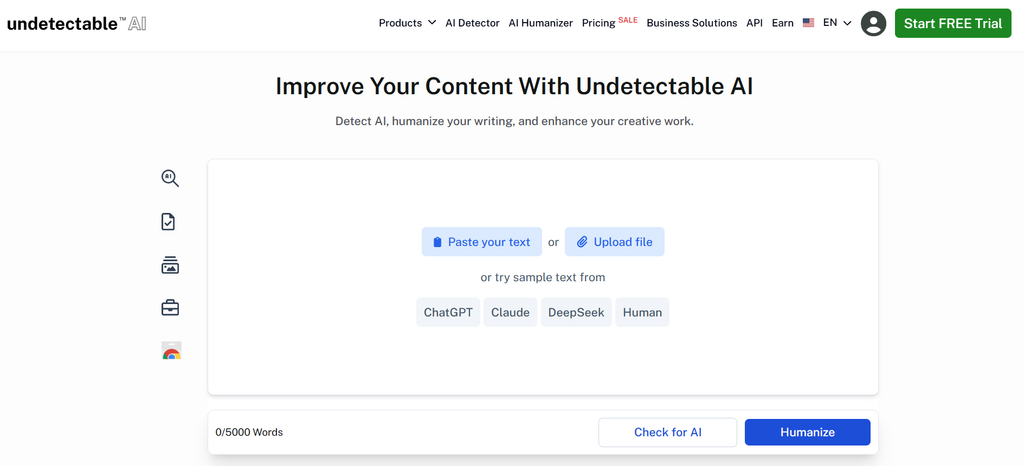
Undetectable AI launched in 2023 and became the most searched name in the category. It bundles a humanizer, an AI detector, and an AI writer under one login, so you can rewrite and recheck without switching tabs.
What sets it apart is control. Instead of one rewrite button, you pick a readability level and a purpose, with options covering general, essay, marketing, and journalistic writing. On client work, that difference is real. A product page and a research summary should not come out of the same rewrite setting.
It also scored the highest meaning preservation of any dedicated humanizer in the September 2026 cycle at 82.1, which is the single reason it tops my list for business publishing.
Key features
- Readability and purpose presets
- Built-in AI detector that shows before-and-after risk
- API access for repeatable workflows
- Auto Typer for environments that block pasting
Pros
- Best meaning preservation among dedicated humanizers
- Genuine tone and readability controls, not a single mode
- Mature product with a stable feature set
- Reasonable entry price for the volume
Cons
- Took a 6-point length inflation penalty in September 2026, meaning it pads output more than it should
- Free trial is only 250 words and asks for a card
- Credits do not roll over and expire when you cancel
- Reviewers report voice drift and stripped formatting on long documents
Pricing: Around $9.99 a month for 10,000 words, $19 for 20,000, and $31 for 35,000 on monthly billing. Annual billing drops the entry tier to roughly $5 a month. A pay-as-you-go credit option exists. The checkout defaults to the annual view, so check which cycle you are agreeing to.
My verdict: This is the one I reach for when the text has to stay accurate. It is not the flashiest performer on detector scores, but it changes the least of what matters. Watch the padding. If your output comes back noticeably longer than your input, trim it before publishing, because bloated copy hurts you with readers even when it clears a detector.
2. WriteHuman: Best Rewrite Quality and Per-Word Value
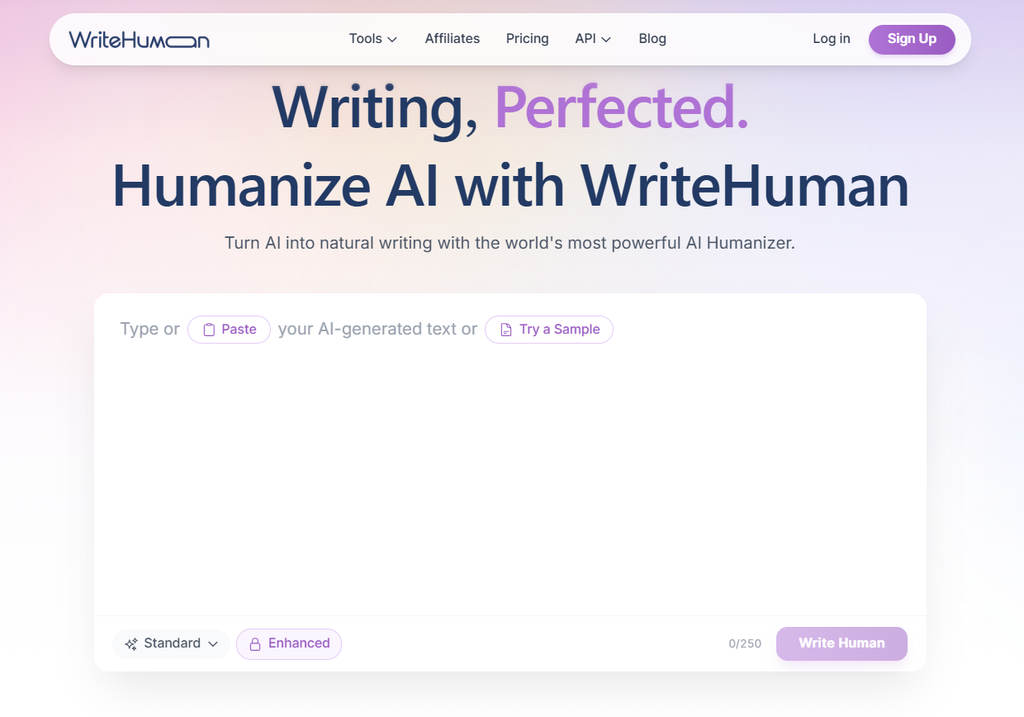
WriteHuman rebuilds sentence structure rather than swapping words, and it shows. It finished first in the September 2026 HumanizerBench cycle with a 78.29 overall score, a 90.1% detector pass rate, and zero quality penalties. It was the only tool in the top three with no penalties at all.
It also has the best per-word economics on this list. The word allowances are generous enough that the effective cost lands well below most rivals at the same monthly price.
One thing you deserve to know. HumanizerBench, the benchmark I keep citing, carries a line in its own footer: “Operated by WriteHuman.” I still think the data is useful, because every input, output, and detector verdict is published for anyone to check. But a benchmark run by a competitor in the same race is not neutral, and no other roundup I read on this topic mentions it. Weigh the WriteHuman ranking with that in mind.
Key features
- Structural rewriting with multiple output variations
- Built-in AI detector on every plan
- 40+ language support
- Developer API with detection scoring built into the response
Pros
- Top of the September 2026 benchmark with no quality penalties
- Very low cost per word at the Pro tier
- Strong privacy stance compared with the rest of the category
- API pricing that makes sense for agencies running batches
Cons
- The mode you actually want lives on Pro, not the cheaper Basic plan
- Free tier is 3 requests a month at 250 words, too small to judge quality
- Runs the benchmark that ranks it first
- Per-request word caps frustrate long-form workflows below the top tier
Pricing: Free plan with 3 requests a month. Basic runs about $18 monthly or $12 on annual billing, with 80 requests at 600 words each. Pro is roughly $27 monthly or $18 annually, with 200 requests at 1,200 words. Ultra sits near $48 monthly or $36 annually, with unlimited requests at 3,000 words. A separate agency API starts around $29 a month for 125,000 words.
My verdict: The best pure rewriting engine here. Price it at the Pro tier, not Basic, because the entry plan gives you the weaker Standard model, and that is the version people complain about. If you run an agency and need to humanize in batches, the API is the most sensible option on this page.
3. Stealth Writer: Best Free Tier
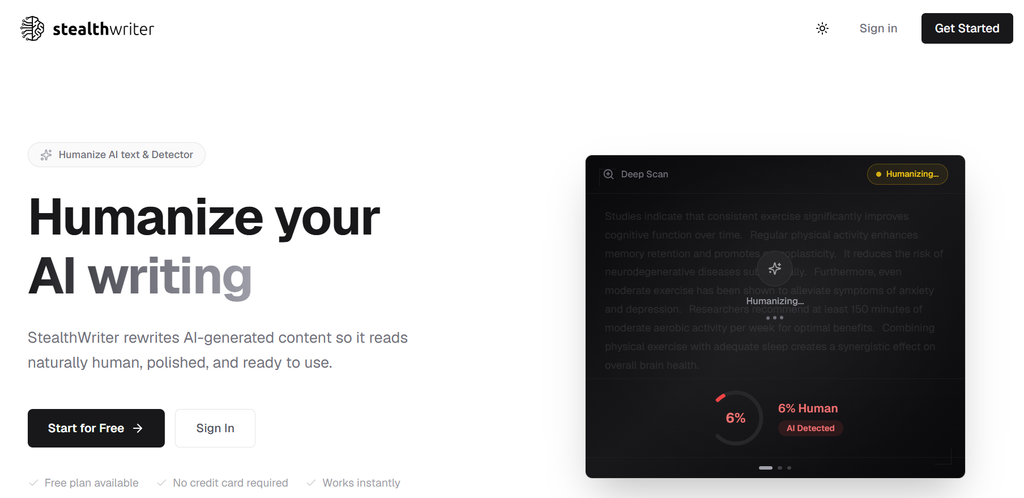
Stealth Writer finished second in September 2026 at 75.39, moving up one place, and it did it with only a small meaning drift penalty. It also has the most generous free plan in the category by a wide margin.
Ten humanizations a day at up to 1,000 words per input is enough to test the tool properly. Most rivals give you 250 to 300 words and expect you to decide from that.
Key features
- Free plan with 10 daily rewrites and 10 daily AI scans
- Multiple engine options including its Ghost models
- Input limits that scale up to 5,000 words on higher plans
- Side-by-side output comparison
Pros
- The only free tier on this list large enough for a real test
- Second-place finish with a high 86.4% detector pass rate
- Strong meaning preservation at 76.3
- Clear plan ladder from light use to team volume
Cons
- Weakest readability score in the top three at 47.2, so output can read clunky
- Paid plans start higher than most rivals
- Multiple model options add confusion for new users
- Took a meaning drift penalty in the September cycle
Pricing: Free plan as described above. Paid plans start around $20 a month and climb to $400 for the largest team tier. Higher plans mainly raise daily limits, input length, response speed, and model access.
My verdict: Start here before you spend money anywhere else. The free plan is not a demo; it is a working tool. Just read the output carefully. The low readability score matches what I see in practice: it clears detectors well, but the prose needs a human pass to stop sounding stiff.
4. Phrasly: Best for Students and Flat Rate Volume
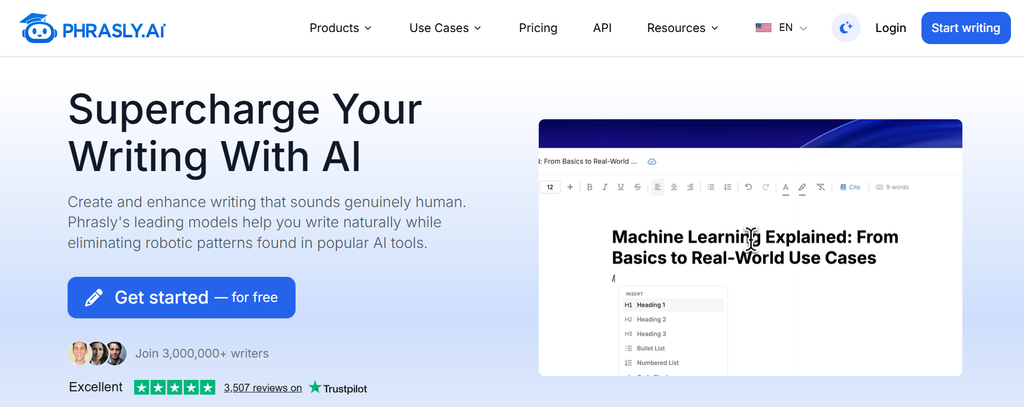
Phrasly is built around a workflow rather than a single button. You get a humanizer with three strength levels, a free AI detector, a plagiarism checker, and a document editor called Pages that keeps everything in one place.
The pricing model is the appeal. One flat monthly fee for unlimited humanization, with a 5,000-word cap per request. If you process a lot of text, a flat rate beats word bundles every time.
Key features
- Easy, Medium, and Aggressive rewrite levels
- Free built-in AI detector with no scan cap
- Pages editor combining humanizer, detector, and citations
- API available for teams
Pros
- Unlimited humanization on the paid plan
- Best readability score among the higher-ranked tools at 65.4
- Full writing workspace, not just a rewrite box
- Cheapest realistic entry point for heavy users
Cons
- Took a 6-point combined penalty for meaning drift and length inflation
- Dropped to 8th place in the September 2026 cycle
- Auto-renewal and refund complaints show up repeatedly in user reviews
- Free tier is roughly 300 to 550 words, which changes without notice
Pricing: Free tier with a few hundred words. Paid plan is $19.99 a month, or about $10.99 a month billed annually, for unlimited humanization at 5,000 words per request. API pricing runs about $0.14 per 1,000 words humanized.
My verdict: The best value on this list if your volume is high and your content is not meaning-sensitive. I would not use Aggressive mode on anything with statistics or citations in it. Set a cancellation reminder the day you subscribe, because the billing complaints in this category are not rumours, and Phrasly comes up in them often.
5. HIX Bypass: Best Inside an Existing Suite
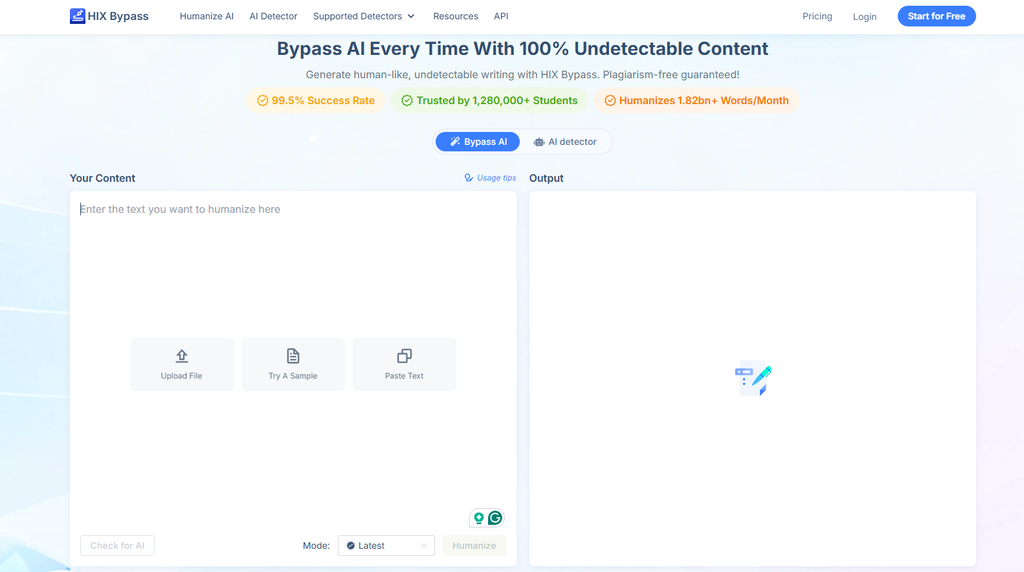
HIX Bypass is the humanizer module of the wider HIX.AI platform, which has grown into a full workspace with research agents, image generation, and 120+ writing tools. As a rewriting engine, it is genuinely good. It finished third in September 2026 at 73.97, with the highest meaning preservation in the top three at 76.9 and no quality penalties at all.
The problem is not the engine. It is everything around it.
Key features
- Fast and Aggressive rewrite modes
- Part of a large multi-tool AI workspace
- Chrome extension covering Google Docs and Gmail
- API that draws from your subscription word pool
Pros
- Third place finish with zero quality penalties
- Highest meaning preservation among the top three tools
- Makes sense if you already pay for HIX.AI
- Unlimited annual rate is cheap per word for uncapped volume
Cons
- Lowest readability score in the entire top ten at 34.9, which is a serious mark against it
- Strongest mode is locked behind a higher tier
- Chrome extension is priced separately, which adds confusion
- Widely reported billing and cancellation problems, with a Trustpilot score around 2.6
Pricing: Free tier around 300 words. Humanizer plans run roughly $14.99 to $59.99 a month, with an unlimited annual rate landing near $15 a month. Suite pricing is separate.
My verdict: Good engine, difficult company. That 34.9 readability score is the tell: it produces text that passes detectors and still reads badly. If you already live inside HIX.AI, use it. If you are shopping for a standalone humanizer, you are paying suite prices for one module. Subscribe monthly, never annually, until you have cleared one renewal cycle without a surprise.
6. QuillBot AI Humanizer: Best Light Everyday Cleanup
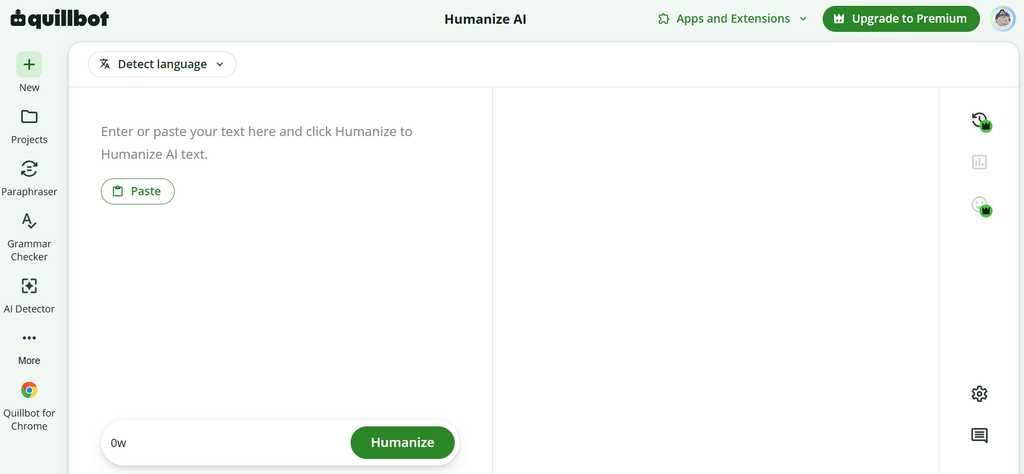
QuillBot is the paraphrasing tool most people already know, and the humanizer is a newer addition to a very complete suite. Premium bundles the paraphraser, grammar checker, AI detector, plagiarism checker, summarizer, citation generator, and translator.
Be clear about what this is. QuillBot’s own documentation frames the humanizer as paraphrasing first. It smooths tone. It does not restructure text the way a dedicated bypass tool does, and independent reviews put its detection score reduction somewhere around 40% to 60%.
Key features
- Humanizer with color-coded change tracking
- Synonym picker for adjusting individual word choices
- Free AI detector with no paywall
- Native integrations for Google Docs, Word, Chrome, macOS, and mobile
Pros
- Best all-around writing suite for the money
- Free tier is genuinely usable for light work
- Excellent for ESL polishing and tone smoothing
- Student discount available
Cons
- Not a serious detector bypass tool and does not claim to be
- Free humanizer caps at 125 words per run and 6 runs a day
- Humanizer is locked behind Premium
- Not included in the September 2026 benchmark
Pricing: Free plan with limits above. Premium is $8.33 a month billed annually, or $19.95 month-to-month. Students get about 25% off, landing near $6.25 a month annually.
My verdict: The best value per dollar on this list, as long as you buy it for the suite and not the humanizer alone. I use it for tightening sentences and cleaning up ESL drafts. If your goal is clearing Turnitin on heavy AI text, this is the wrong tool, and paying $19.95 for that job will disappoint you.
7. Grammarly AI Humanizer: Best for Brand Safe Business Writing
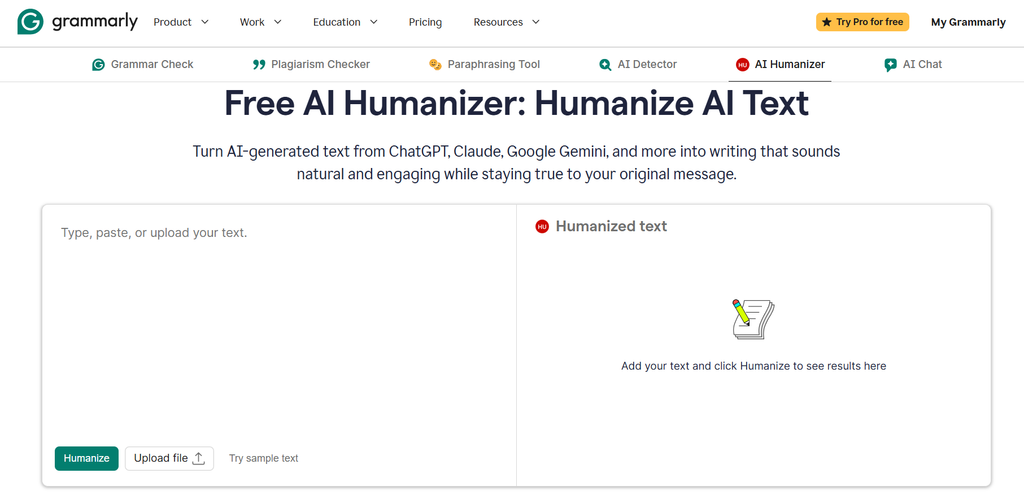
Grammarly’s humanizer produced the most interesting result in the whole September 2026 dataset. It scored the highest meaning preservation of any tool tested at 86.4 and a solid readability score of 66.1. It also posted the lowest detector pass rate of any working tool at 41.1%.
That combination tells you exactly what it is. Grammarly’s own documentation says the feature is not built to rewrite around detectors. It is built to make text sound like you.
Key features
- Four tone presets plus a 200-word custom voice sample
- Six language support
- Works inside the existing Grammarly editor and extensions
- Built-in AI detector
Pros
- Best meaning preservation of any tool tested
- Custom voice sample keeps brand tone consistent across a team
- Trusted, established vendor with clear billing
- Integrates with tools your team already uses
Cons
- 41.1% detector pass rate makes it unsuitable for bypass use
- Grammarly’s own detector flagged its humanizer output at 42% AI in one test
- Free tier limited by a shared AI action pool
- More expensive than QuillBot for less rewriting depth
Pricing: Free tier with limited AI actions. Pro is around $12 a month billed annually, and roughly $30 month-to-month. Business plans start near $12 per seat.
My verdict: If you are an agency or in-house team and the actual goal is “make this draft sound like our brand,” this is the correct tool and everything else on this list is overkill. If the goal is clearing a detector, skip it. I would rather have a tool that keeps 86% of my meaning than one that clears a detector and mangles a client’s positioning.
8. Humanize AI Pro: Best Free Allowance for Quick Jobs
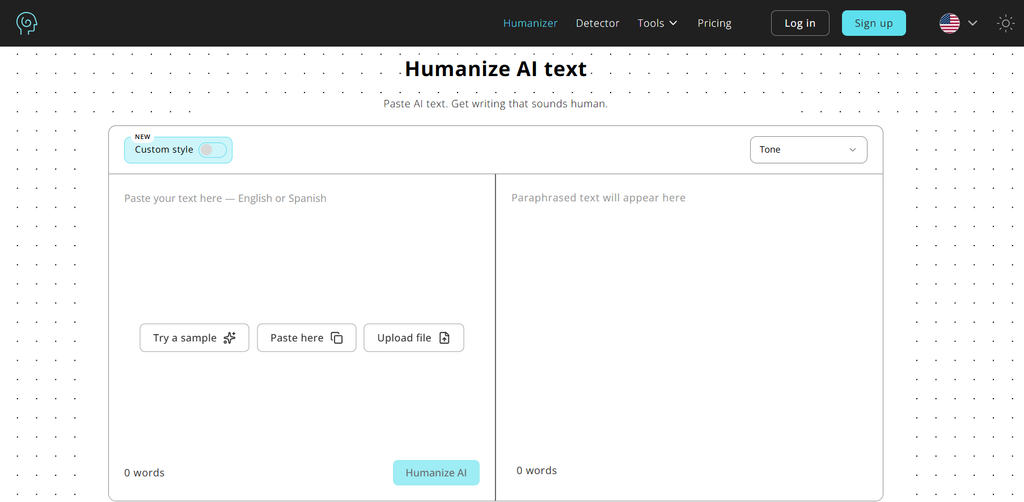
Humanize AI Pro runs entirely in the browser and gives you 1,500 free words before asking for anything, which is more than most tools on this page offer at any price tier. It finished 7th in September 2026 at 70.07 with no quality penalties, which is a respectable result.
Key features
- 1,500-word free allowance
- Multiple rewrite modes
- Runs in browser with no install
- Built-in checker
Pros
- Generous free tier with no card required to start
- No quality penalties in the September 2026 cycle
- Cheap annual pricing
- Simple interface with almost no learning curve
Cons
- Its built-in checker is unreliable and reports 0% AI on text outside detectors flag near 100%
- Fell five places between the July and September benchmark cycles
- Detector pass rate of 70.8 trails the leaders
- Credits do not roll over, and self-serve cancellation is hard to find
Pricing: Free tier at 1,500 words. Lite plan around $9.99 a month, dropping to roughly $4.99 a month billed yearly.
My verdict: A good tool for one-off jobs and a fine free option. Ignore its own detector score completely and verify with an outside tool. The five-place drop between cycles is a reminder that performance in this category is not stable, and a tool that worked last quarter may not work this one.
9. Walter Writes AI: Best Casual Blog Voice
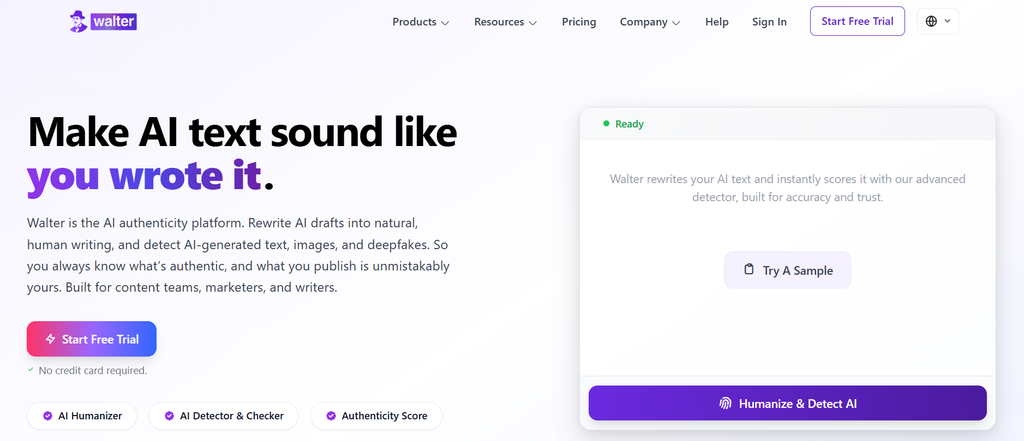
Walter Writes exploded in popularity through TikTok and YouTube promotion, with search volume reportedly up more than 500% year over year. The marketing outran the product a little, but there is a real strength here.
Where Walter is genuinely good is tone calibration. Most humanizers either barely change the text or overcorrect into something that reads like a teenager’s group chat. Walter’s default lands closer to a competent human blogger. Contractions where a person would use them, varied sentence openings, the occasional aside.
Key features
- Multiple rewrite intensity levels
- 80+ language support
- Built-in AI detector and citation checker
- Clean, fast interface
Pros
- Best casual blog and social voice on this list
- High detector pass rate at 83.9
- Cheap per word at volume
- Easy to learn in about two minutes
Cons
- Took a 12-point penalty in September 2026, the second highest of any working tool, driven by maxed-out length inflation
- Dropped to 10th place overall despite a good bypass score
- Casualizes formal and academic text, which is often the opposite of what you want
- Trustpilot sits near 2.4, with auto-renewal, expiring credits, and refund denials as recurring themes
- Free trial is only 300 words after signup
Pricing: Around $12.99 to $14.99 a month for roughly 20,000 words, dropping to about $10 a month on annual billing.
My verdict: Use it for casual blog posts, newsletters, and social copy, where its default voice is an asset. Do not use it on academic, legal, or technical writing, because it will flatten your register and pad your word count. That maxed-out length inflation penalty is the thing to watch. If your 1,000-word draft comes back at 1,400 words, you have not humanized it, you have inflated it.
10. StealthGPT: Best for Aggressive Rewrites
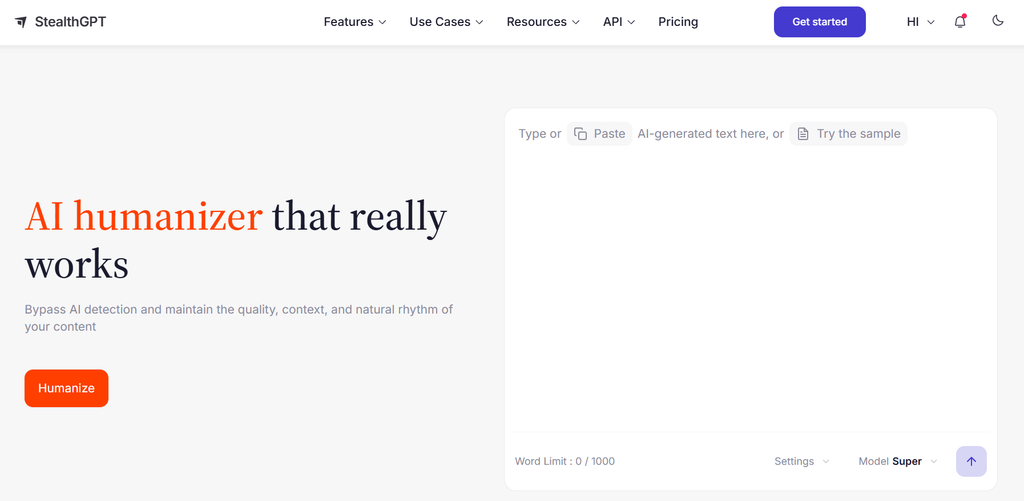
StealthGPT is different from most tools here because it is not only a humanizer. It also includes an AI writer that applies stealth rewriting during generation rather than as a separate pass, plus a built-in checker.
It posted the highest readability score of any tool in the September 2026 cycle at 70.9. It also posted the lowest meaning preservation of any working tool at 59.4, and took a 5-point meaning drift penalty. That trade is the whole story of this product.
Key features
- Combined AI writer and humanizer
- Browser extensions and document integrations on higher tiers
- 50+ language support
- Built-in AI content checker and API access
Pros
- Highest readability score of any tool tested
- Generate and humanize in one step
- All-in-one dashboard saves tool switching
- Deep language support
Cons
- Lowest meaning preservation of any working tool, at 59.4
- Independent tests contradict its own marketing claims, with one 2026 test showing Turnitin flagging output as 86% AI
- Confusing pricing that has climbed since launch, with an unusual staircase discount model
- Daily usage caps despite unlimited language on some plans
- Quality drops noticeably past about 2,000 words
Pricing: Entry plans run roughly $17.50 to $30 a month depending on billing cycle, with Business around $100 and Enterprise several hundred. The company runs a deflationary pricing scheme that discounts your rate the longer you stay subscribed.
My verdict: It writes the best-sounding sentences on this list and cares the least about whether they still mean what you wrote. That is fine for generic marketing filler and dangerous for anything else. If you use it, chunk work into sections under 2,000 words and read every paragraph against the original. The gap between its own claims and independent testing is the widest in this roundup.
11. Humbot: Budget Pick with Caveats
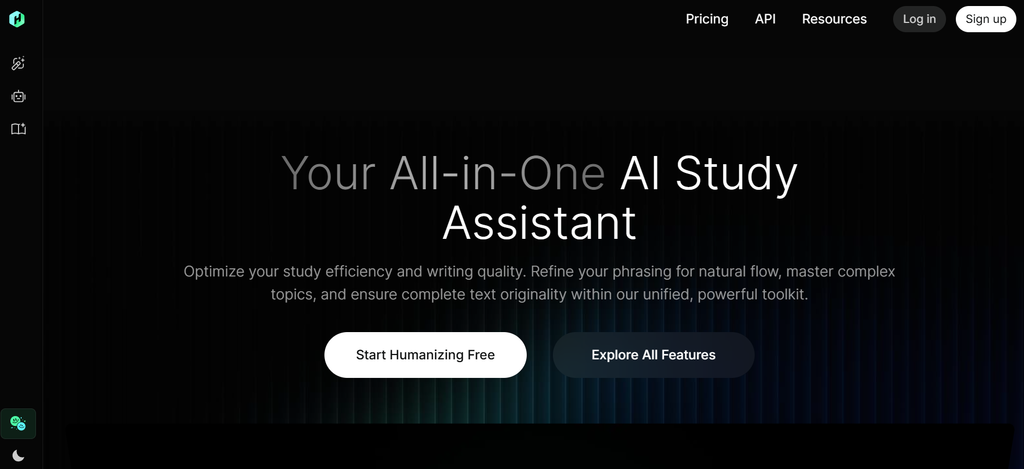
Humbot markets itself as a beginner-friendly humanizer with a plan ladder built around Basic, Advanced, and Unlimited word pools, plus a plagiarism checker and grammar checker bundled in.
I have it last for a reason, and it is not output quality. It is that I could not get a straight answer on what it costs. The web tiers list features without prices on several tracking sites, the mobile app lists an entirely different set of subscriptions, and independent testers report a paywall before you can try it at all.
Key features
- Separate Basic and Advanced word pools
- Built-in AI checker, plagiarism checker, and grammar checker
- Article rewriter
- Developer API
Pros
- Simple, beginner-friendly interface
- Bundles plagiarism and grammar checking at a low price point
- Decent for short marketing copy and social posts
- Solid user rating around 4.3 out of 5 across verified reviews
Cons
- Opaque pricing that differs between the web app and the mobile app
- Reports of no meaningful free tier before payment
- Advanced word credits are small and overage costs are unclear
- Reported bypass rate around 72%, below the leaders
- Not ranked in the September 2026 benchmark
Pricing: Basic tier includes roughly 3,000 basic words and 1,000 advanced words a month with a 500-word input cap. Paid tiers are commonly listed around $12 to $18 a month on the web, while the mobile app advertises $14.99 a month and $89.99 a year after introductory rates. Confirm the number on the exact platform you are buying from.
My verdict: Fine for short copy on a budget, and the bundled plagiarism and grammar checkers add real value at this price. But pricing opacity is a legitimate reason to be cautious with any subscription product. If you cannot tell what you will be charged in month two, that is information about the company, not just the plan.
What the Benchmark Data Actually Shows
Most roundups on this topic report one number: bypass rate. That number hides the interesting part.
Here is what the September 2026 cycle found across all 14 tools tested:
- Six tools were penalized for length inflation. That means the output came back noticeably longer than the input. Padding text is a cheap way to dilute the AI signal, and it works on detectors while making your content worse for readers. Walter Writes hit the maximum penalty of 10 points for it.
- Five tools were penalized for meaning drift. The rewrite changed what the text said.
- The tool with the best meaning preservation had the worst bypass rate. Grammarly kept 86.4% of meaning and passed only 41.1% of detector tests. The tools that clear detectors most reliably are the ones changing your text the most.
- Rankings move a lot between cycles. Humanize AI Pro fell five places in one month. Undetectable AI rose two. Treat any “best AI humanizer” claim, including mine, as a snapshot.
That last point is worth sitting with. If a tool’s ranking can move five places in thirty days, then a blog post from six months ago telling you which humanizer wins is not useful information. Check the date on anything you read about this category, including this article.
The Trust Problem in This Category
I want to be blunt about something I found while researching this.
Search “best AI humanizer tools” and look at who published each result. Nearly every page on the first two pages of Google is published by a company that sells an AI humanizer. Almost all of them rank their own product first.
I read a roundup from Ryter Pro that named Ryter Pro the winner. One from Phrasly named Phrasly the winner. One from Ryne AI named Ryne AI the winner. One from Walter Writes named Walter Writes the winner. One from GPTHuman named GPTHuman the winner. Each one claimed independent testing.
Then there is HumanizerBench, the public benchmark that half the industry now cites as neutral proof. It publishes its raw data, which is genuinely good practice. Its footer reads “Operated by WriteHuman.” WriteHuman ranks first.
I still used that data, because published data you can audit beats marketing claims you cannot. But I am telling you where it comes from, which is more than the vendor blogs citing it do.
The practical takeaway: run your own test before you pay anyone. Every tool here has some free allowance. Use your own content, on your own topic, in your own voice, and check the result against the detector that actually matters to you.
Do AI Humanizers Hurt Your SEO?
This is the question I get most often from clients, and the answer is more nuanced than either side of the argument suggests.
Google does not have an AI content penalty. Its Search Central documentation is direct about this: the focus is on the quality of content rather than how it was produced. Appropriate use of AI or automation is not against Google’s guidelines.
What Google does penalize is scaled content abuse: producing many pages primarily to manipulate rankings rather than help users. That policy applies no matter how the content was created. Human-written spam and AI-written spam get the same treatment.
So where does a humanizer fit?
It does not help you rank. No detector score is a ranking factor. Google does not run GPTZero on your pages. Rewriting text to fool a third-party detector accomplishes nothing for your search visibility on its own.
It can hurt you. Length inflation is the specific risk. If your humanizer pads a 900-word article to 1,300 words to dilute the AI signal, you have made the page worse for readers. Thin, padded content with little added value is exactly what the quality rater guidelines describe as low quality.
What actually matters is whether the page adds something. Original data, real experience, a genuine point of view, a specific example nobody else has. That is what separates content that ranks from content that gets demoted. This is the same principle behind good on-page SEO work, where matching real search intent beats volume every time.
If your AI workflow is “take the top five results, blend them, humanize the output, publish,” a humanizer will not save you. That workflow is the problem.
How to Humanize AI Text Without a Tool
Before you subscribe to anything, try this. It takes about ten minutes per article, and it works better than most paid tools.
1. Cut the first paragraph. AI drafts almost always open with a throat-clearing intro that says nothing. Delete it and start at the second paragraph. This one change fixes more AI-sounding writing than any rewrite tool.
2. Break the sentence rhythm. Find three consecutive sentences of similar length. Merge two, then cut the third by five words. That is burstiness, and you just added it manually.
3. Add one thing only you know. A number from your own account. A client story. A mistake you made. Something that could not have come from a model trained on public text. This is the single highest-value edit, and no tool can do it for you.
4. Kill the tell words. Search your draft for these and rewrite around them: delve, unlock, leverage, harness, cutting edge, game changer, in today’s digital landscape, seamlessly, robust, elevate, it’s important to note, whether you’re.
5. Fix the list problem. AI loves three-item lists where every item has the same grammatical shape. Break the pattern. Make one item a sentence, one a fragment, one a question.
6. Read it out loud. Every sentence you stumble on gets rewritten. This catches things no detector and no humanizer will.
7. Write your intro and conclusion yourself. These are the sections readers scrutinize hardest, and they are the fastest to write. Keep your own voice there even if a tool touched the middle.
I still use humanizer tools, but I use them after these steps, not instead of them. A tool applied to a draft you have already shaped gives you far better output than a tool applied to raw model text.
When You Should Not Use an AI Humanizer
There are situations where reaching for one of these tools is the wrong call.
Academic submissions where AI use is prohibited. If your institution bans AI-assisted writing on an assignment, using a humanizer to avoid detection is still a violation. The tool does not change the policy. It changes your odds of getting caught, and detectors are improving.
Anything with citations. General-purpose humanizers treat in-text citations as ordinary prose and reword them, which corrupts the reference. If you must humanize academic text, lock citations down afterward, never before.
Medical, legal, or financial content. Meaning drift on a page about drug interactions or contract terms is not an editing inconvenience. It is a liability.
Technical documentation. Tools that restructure sentences do better than tools that hunt for synonyms, because some terms have no synonym. A humanizer trying to find another way to say a specific technical term will produce nonsense.
Client work where the brand voice is the deliverable. If a client hired you for their voice, running the draft through a tool that imposes a generic casual register defeats the purpose.
Common Mistakes I See People Make
Trusting the tool’s own detector. Several of these tools score their own output at 0% AI while outside detectors flag the same text near 100%. Always verify with something the vendor does not control.
Testing on one detector. GPTZero, Turnitin, Originality.ai, and Copyleaks disagree constantly. Clearing one is not clearing all of them. Test against whichever one actually grades you.
Humanizing before proofreading. Run your edit pass first. Humanizing a draft with errors in it just produces rewritten errors.
Buying annual before testing monthly. Auto-renewal complaints, expiring credits, and refund denials come up across almost every tool in this category. Start monthly. Clear one renewal cycle. Then decide.
Assuming a low detector score proves anything. It proves the detector did not flag your text. It does not prove the text is good, accurate, or worth publishing.
Chasing 100%. The last few percentage points of “human score” usually cost you the most meaning. Getting from 70% to 95% human is often one rewrite pass. Getting from 95% to 100% is where sentences start breaking.
How to Choose the Right AI Humanizer for You
Use this to skip the guesswork.
| Your situation | Start with |
| Publishing on a business or client site | Undetectable AI |
| Need the best rewrite quality overall | WriteHuman (Pro tier) |
| Not ready to pay anything yet | Stealth Writer free plan |
| High volume, cost-sensitive | Phrasly flat rate plan |
| Already paying for HIX.AI | HIX Bypass |
| Want a full writing suite for the price | QuillBot Premium |
| Brand voice consistency across a team | Grammarly |
| One-off job, need it done now | Humanize AI Pro free tier |
| Casual blog and social content | Walter Writes AI |
| Running batches through an API | WriteHuman API or Phrasly API |
Three questions that decide it faster than any comparison table:
- Does the meaning have to survive exactly? If yes, prioritize meaning preservation over bypass rate. That points to Undetectable AI or Grammarly.
- How much do you process a month? Under 10,000 words, buy the cheapest entry tier. Over 50,000, flat rate or API pricing wins.
- Which detector actually grades you? Test against that one specifically, not against a general “human score.”
Pricing Traps to Watch in This Category
I read a lot of user reviews while researching this piece. The same complaints came up across nearly every vendor, so treat these as category-wide rather than specific to any one tool.
- Checkout defaults to annual view. Several pricing pages show the annual equivalent monthly price by default. The monthly toggle reveals a higher number. Confirm which cycle you are agreeing to.
- Credits expire immediately on cancellation. Unused words you paid for can vanish the moment you cancel. Use them first.
- Cancellation friction. At least one major vendor requires email-only cancellation. Note the renewal date the day you subscribe and set a reminder.
- Free tiers sized to be useless. A 250-word trial tells you almost nothing. Prefer tools with free allowances large enough to test a real document.
- Overage costs left vague. If a plan does not say what happens when you exceed the limit, assume it is expensive.
Screenshot your cancellation confirmation. It costs nothing, and it is the standard playbook for any subscription category where billing complaints are this common.
Frequently Asked Questions
What is the best AI humanizer tool in 2026?
There is no single best AI humanizer for every use case. Based on the September 2026 HumanizerBench data, WriteHuman leads on overall rewrite quality with a 78.29 score, Stealth Writer follows at 75.39, and HIX Bypass at 73.97. For business publishing where meaning matters more than detector scores, Undetectable AI is my pick because it had the highest meaning preservation among dedicated humanizers.
Does Turnitin detect AI humanizers?
Partially, and increasingly. Turnitin rolled out a bypasser detection layer in August 2026 specifically aimed at identifying text that has been run through a humanizer. Independent testing in 2026 showed some popular tools still getting flagged at high AI percentages despite their own checkers reporting clean scores. No humanizer can promise a Turnitin result, and any tool that claims a guaranteed pass rate is overselling.
Is using an AI humanizer cheating?
It depends entirely on context, and the tool does not change that. Using one to clean up a false positive on your own writing, or to help a non native English speaker sound more natural, is defensible. Submitting fully machine-generated work as your own in a course that prohibits AI use is a violation of academic integrity policy whether a detector catches it or not.
Can Google detect humanized AI content?
Google does not run consumer AI detectors on your pages, and there is no separate AI content penalty in Google Search. What Google’s systems target is scaled content abuse, meaning mass-produced pages with little original value, regardless of how they were created. A humanizer does not help you rank and can hurt you if it pads your content with filler.
What is the best free AI humanizer?
Stealth Writer has the most usable free tier, offering 10 humanizations a day at up to 1,000 words per input. Humanize AI Pro gives 1,500 free words in one allowance. QuillBot’s free humanizer allows 125 words per run with 6 runs a day. Most other free tiers cap between 250 and 550 words, which is enough to see the interface but not enough to judge output quality.
Do AI humanizers hurt your SEO rankings?
Not directly, because detector scores are not a ranking signal. The real risk is length inflation. Six of the fourteen tools in the September 2026 benchmark were penalized for padding output to dilute the AI signal, and padded, low-value content is exactly what Google’s scaled content abuse policy targets. If a tool makes your article 40% longer without adding information, it made the page worse.
How can I make AI text sound human without a tool?
Cut the opening paragraph, vary your sentence lengths deliberately, add at least one detail only you could know, remove common AI tell words like delve and leverage, break repetitive list patterns, and read the draft out loud. Writing your own introduction and conclusion matters most, since those are the sections readers scrutinize hardest.
Which AI humanizer is best for students?
Phrasly is the most common choice for students because of its flat-rate unlimited plan at around $10.99 a month annually, plus a built-in detector and citation tools. Stealth Writer’s free tier is a better starting point if you want to test first. Keep in mind that using any of these to submit AI work in a course that bans it remains an integrity violation.
Does an AI humanizer change the meaning of my text?
Always, to some degree. The question is how much. In the September 2026 benchmark, meaning preservation scores ranged from 86.4 at the top down to 39.5 at the bottom, and five tools were penalized specifically for meaning drift. The tools with the highest detector pass rates tend to be the ones changing your text the most, so always read the output against your original.
Is Undetectable AI or WriteHuman better?
WriteHuman scored higher overall in the September 2026 cycle at 78.29 versus 71.75, with a better detector pass rate and no quality penalties. Undetectable AI had better meaning preservation and offers more control through readability and purpose settings. Choose WriteHuman for rewrite quality and per-word value. Choose Undetectable AI when the text has to stay accurate.
Are paid AI humanizers worth it over free ones?
For occasional use, no. Free tiers from Stealth Writer and Humanize AI Pro handle light work fine. Paid plans make sense once you process more than roughly 10,000 words a month, need higher per-request word limits, or want API access for batch work. Test on a free tier with your own content before committing to any subscription.
Where I Would Start
If you take one thing from this article, make it this: run your own test before you pay anyone.
Take a real draft of yours, not a sample. Run it through Stealth Writer’s free plan and Humanize AI Pro’s free allowance. Check both outputs against the detector that actually matters to you, and read both against your original to see what got lost. That will tell you more in twenty minutes than any roundup, including this one.
Then, if you decide to pay, pick based on the job. Undetectable AI for content where accuracy matters. WriteHuman for the best rewrite quality. Phrasly if volume is your constraint. Grammarly if brand voice is the real problem.
And remember what a humanizer does not do. It does not make thin content valuable, it does not make you rank, and it does not replace the work of having something worth saying. If your content strategy depends on a rewrite tool, the tool is not the thing that needs fixing.
If you want help building a content process that holds up without needing to hide anything, that is what our team does. Take a look at our SEO services or get in touch, and we will talk through where your content is actually losing.

Usama Bin Qasim is an SEO expert and content writer with 6+ years of experience in SEO and digital marketing. He writes practical SEO guides, SaaS and software reviews, tool comparisons, and digital marketing content based on hands-on research and real-world experience.