
My Verdict
We spent real time inside five AI video generators this month: Runway, Kling AI, Google Veo 3.1, Luma AI, and Pika. We signed up and read the pricing pages line by line. We also checked what actual users say on G2 and Trustpilot once the free trial runs out.
Our favorite for 2026 is Runway. It has the most balanced mix of quality, reliability, and value. It also gives you access to other top models, including Veo, inside one subscription, so you’re not stuck juggling five different bills.
That said, Runway isn’t the right pick for everyone. If you want the best native audio and dialogue, Google Veo 3.1 is still ahead, as long as you can handle its higher cost. If you want fast, fun social clips and don’t mind a smaller free plan, Pika works well. Kling AI produces sharp footage, but we’d only recommend it if you’re ready for some billing headaches. Luma AI is great for brand-directed motion work, but it dropped its free plan in 2026, so budget for it from day one.
Here’s the short version in table form, then we’ll walk through each tool in detail.
Quick Comparison Table
| Tool | Best For | Starting Price | Free Plan | Max Resolution | Standout Feature |
| Runway | All-around use, teams, agencies | $12/month | Yes, 125 one-time credits | 4K (upscaled) | Access to multiple models in one platform |
| Kling AI | Sharp visuals on a budget | $10/month | Yes, daily credits with watermark | Native 4K | Cinema-grade 4K output |
| Google Veo 3.1 | Native dialogue and sound | $19.99/month | Yes, limited Veo 3.1 Lite | 4K, 60fps | Built-in audio and dialogue |
| Luma AI | Directed camera motion, brand video | $30/month | No free plan in 2026 | High-res, model dependent | Frame-level camera control |
| Pika | Quick social content, trends | $8/month | Yes, 480p only | 1080p on paid plans | Pikaffects and trend templates |
Introduction
Picking an AI video generator in 2026 is harder than it should be. Every tool claims to be the best. Every pricing page hides the real cost behind credits, add-ons, and fine print. So we did the work ourselves.
We tested five of the most talked-about AI video generators on the market: Runway, Kling AI, Google Veo 3.1, Luma AI, and Pika. We looked at what each one actually offers today, not what it promised a year ago.
We also read through real user reviews on G2 and Trustpilot. A pricing page will never tell you about failed generations or a support ticket that goes nowhere.
One thing worth flagging up front. A lot of best AI video generator lists still mention OpenAI’s Sora 2. We checked, and Sora’s consumer app was shut down in April 2026, and its API is set to sunset on September 24, 2026. That’s why it’s not on our list this year. We’d rather give you five tools you can actually sign up for and use.
Below, we’ll walk through each tool’s features, pricing, and real-world reputation. That way, you can pick the one that fits your budget and your project.
1. Runway: Best Overall AI Video Generator
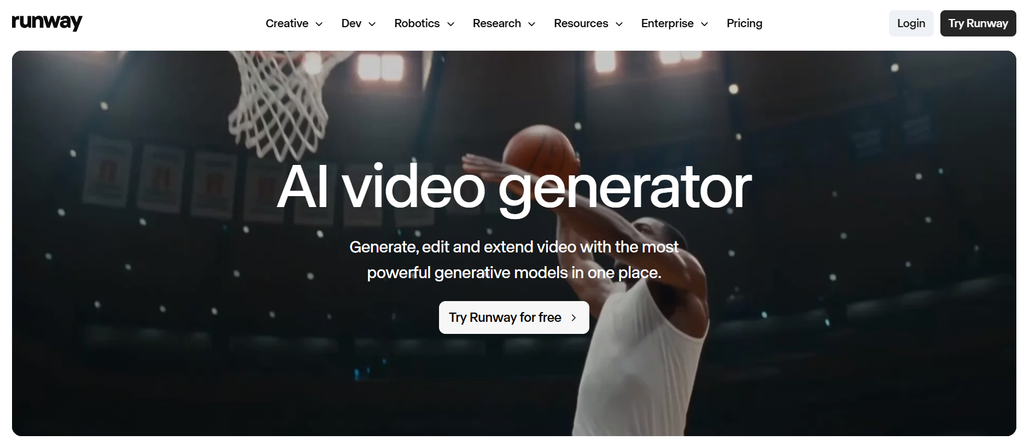
Runway has been one of the most established names in AI video for years, and it still holds up. The platform now runs on its Gen-4.5 model, which Runway calls its most advanced yet for motion quality and prompt accuracy. It also gives users access to other leading models, including Google’s Veo 3.1, inside the same workspace.
What we liked most is how Runway works as a full creative platform, not just a video generator. You get text-to-video, image-to-video, an editing timeline, audio tools, and even lip-sync voice creation on higher tiers. Runway says it’s used by more than 60 million creatives, and real client examples back that up. One brand used it to turn ordinary customer photos into a broadcast-ready TV ad, saving an estimated $200,000 on production.
Pricing: Runway starts with a free plan that includes 125 one-time credits. Paid plans begin at $12 a month for 625 monthly credits (billed yearly). The next tier is $28 a month for 2,250 credits. The top tier is $76 a month for 9,500 credits, with priority access to new models. Enterprise pricing is custom.
What real users say: Runway holds a 4.2 out of 5 rating on G2 from 95 reviews. Users often point to how approachable it is for people without a technical or editing background, which matches what we found during testing.
Best for: Agencies, marketing teams, and freelancers who want one platform that handles video, image, and audio without juggling five different tools.
If your team is already publishing short clips on social platforms, it’s worth pairing a tool like Runway with a clear distribution plan. Our guide to the best Twitter video tools covers where to actually post and optimize the videos you generate.
2. Kling AI: Best for Visual Quality
Kling AI’s newest model, VIDEO 3.0, produces some of the most visually impressive output we tested. It’s marketed as the world’s first native 4K video model, and the footage does look sharp and cinematic. It also supports multi-scene sequences, motion control, and native audio that syncs a character’s voice to their appearance.
Here’s the catch. When we looked into real user reviews, a pattern showed up again and again. Some users report that the tool ignores their prompt entirely and returns a static or low-quality clip. Others say a generation gets stuck at 99 percent and simply fails, with the credits gone either way. The most common complaint is around billing. Paid credits can expire before you use them, and several users called this practice a scam in their reviews. Others said they were charged for months after trying to cancel, and that support tickets went unanswered.
Pricing: Kling AI has a free daily credit plan with a watermark and a 360p to 540p cap. Paid plans start at $10 a month for 660 credits. Higher tiers run $37 for 3,000 credits and $92 for 8,000 credits. The top Ultra tier costs $180 a month.
What real users say: The output quality gets real praise, especially for image-to-video work. The complaints center on failed generations, credit expiration, and slow or absent customer support.
Best for: Creators who want strong 4K visuals on a tight budget and are willing to accept some risk around billing and support.
3. Google Veo 3.1: Best for AI Video With Audio
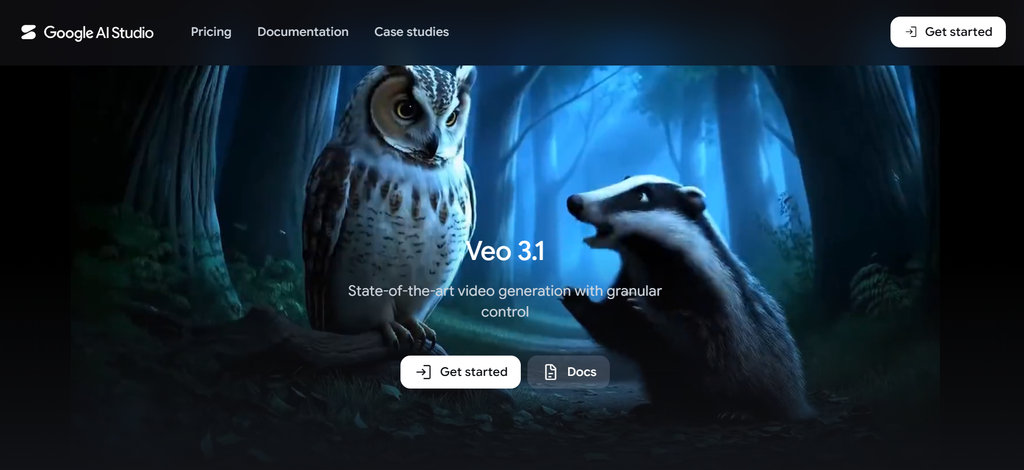
Google Veo 3.1 is the only tool in this list built with sound as a core feature, not an add-on. It generates synced dialogue, sound effects, and ambient noise directly inside the video. It also offers character consistency across scenes using a reference image, plus camera and motion controls for more directed shots.
In our testing and in what other reviewers report, the audio is genuinely impressive when it works. The problem is that it doesn’t always work. Independent reviewers found that roughly 5 percent of generations come back completely silent. That’s a real problem, since audio is the main reason people choose Veo in the first place. You still pay for that clip. There’s also a real learning curve with Google’s Flow interface, which more than one reviewer described as clunky.
Pricing: A limited free version, Veo 3.1 Lite, is available to Google accounts. Google AI Pro costs $19.99 a month and includes full Veo 3.1 access with 4K output. Google AI Ultra costs $249.99 a month for near-unlimited generations, alongside other Google AI perks.
What real users say: Reviewers consistently praise the visual quality and the audio feature when it lands correctly. The main frustrations are the interface and the silent-generation issue. It also takes several retries to get a clip you’re happy with, and that burns through credits fast.
Best for: Creators and brands who need dialogue-driven or sound-heavy video and have the budget to reroll a few failed attempts.
4. Luma AI: Best for Camera Motion
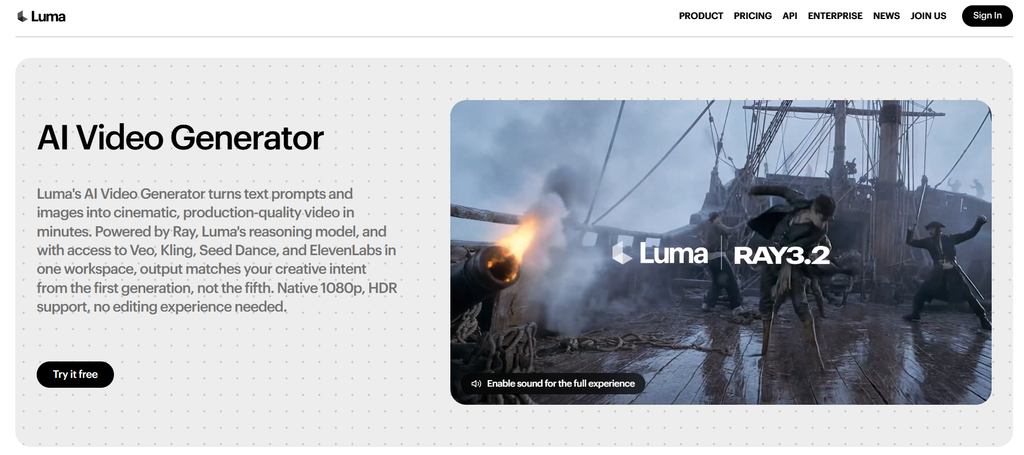
Luma AI’s Ray 3.2 model is built around a simple idea. You direct a shot the way a camera operator would, instead of just typing a prompt and hoping for the best. You get frame-level control, style references, and character references. This comes through its Uni-1 model, built to keep a brand’s visual identity consistent across many video variants.
The camera movement is genuinely one of the best we tested. Pans, environmental motion, and lighting all feel natural. The trade-off is character consistency. In longer clips, faces and clothing can drift between frames. That makes Luma a weaker choice for storytelling that needs the same character to look identical shot after shot. Most reviewers, including us, see Luma as a strong first step in a larger workflow rather than a finished, final-cut tool on its own.
One important update for 2026: Luma discontinued its standalone free plan this year. Every new user now starts on a paid tier.
Pricing: Plus starts at $30 a month for 10,000 credits. Pro is $90 a month for 40,000 credits. Ultra runs $300 a month for 150,000 credits. Team and enterprise pricing is available on request.
What real users say: Motion quality and visual polish get consistent praise. The recurring criticism is character drift and the lack of a full editing pipeline. Most teams end up pairing Luma with another tool to finish the job.
Best for: Brand teams and agencies producing short, stylized video where camera movement matters more than long-form character continuity.
5. Pika: Best for Social Media Videos
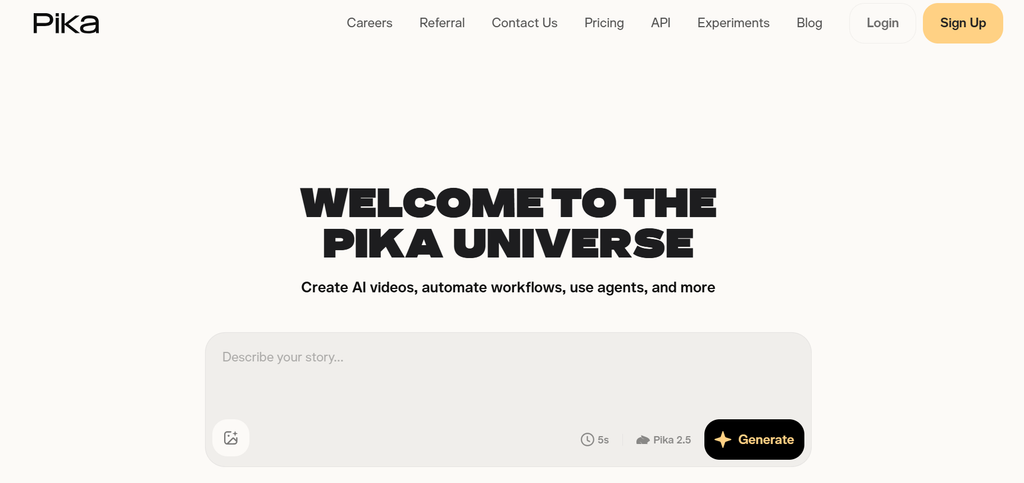
Pika leans into speed and play rather than precision. Its signature Pikaffects feature turns a single photo into a warped, reality-bending clip with one tap. Its AI Trendmaker feature lets you jump into trending video formats using just a selfie. It’s the fastest tool on this list to open and start creating something shareable.
That speed comes with trade-offs. Reviewers, including one who called Pika “a brilliant creative sandbox and a poor business tool,” consistently point out that output is unpredictable. The same prompt can return a polished clip one time and a glitchy, physics-breaking mess the next. Billing complaints show up often too, with users describing unexpected charges and a difficult cancellation process.
Pricing: Pika’s free plan is capped at 480p resolution but includes access to most of its core effects. Paid plans start at $8 a month for 80 credits. Higher tiers run $28 for 700 credits and $76 for 2,300 credits. A “Fancy” tier offers 6,000 credits.
What real users say: People enjoy Pika for casual, fun output and low-stakes experimentation. The complaints focus on inconsistent quality and support that’s hard to reach once something goes wrong with billing.
Best for: Solo creators, social media managers, and anyone making quick trend-based content where a little unpredictability is part of the fun.
How We Compared These Tools
We didn’t rank these tools on marketing copy alone. For each one, we looked at four things. What the company itself claims on its current site. What it actually costs once you add up the credits. What independent reviewers found in hands-on testing. And what real paying users say once the free trial ends. When a company’s own pricing page didn’t match what reviewers reported, we noted that gap directly instead of picking a side.
This matters because AI video tools change fast. A feature or price that was accurate in January can be outdated by summer, which is exactly what happened with Sora 2 this year. If you’re building a longer content strategy around video, it’s worth treating any single tool choice as temporary and revisiting it every few months. Our marketing strategy approach works the same way, built around current data rather than a plan set once and left alone.
Which One Should You Choose?
If you want one platform that covers most needs without major reliability complaints, start with Runway. If sound and dialogue matter more than anything else and your budget allows for some retries, Veo 3.1 is worth the extra cost.
Choose Kling AI if visual sharpness is your priority and you’re comfortable using credits quickly before they expire.
Pick Luma if brand-consistent camera motion is the goal and you can absorb the $30 monthly minimum.
Go with Pika if you mainly need fast, casual social clips and don’t need every generation to be perfect.
None of these tools are flawless. Each has real, documented complaints alongside real strengths. The right choice depends on your project. Are you building for a client, a brand, or just having fun on a weekend?
Frequently Asked Questions
What is the best AI video generator overall in 2026?
Based on our testing, Runway offers the best balance of quality, pricing, and reliability. It also gives you access to other top models in one subscription.
What is the cheapest AI video generator?
Pika’s paid plans start at $8 a month, the lowest entry price among the tools we tested. Its free plan is limited to 480p, though.
Which AI video generator has the best audio?
Google Veo 3.1 is the strongest option for native dialogue, sound effects, and voice syncing, though some generations still come back silent.
Is Sora 2 still worth using in 2026?
No. OpenAI shut down the Sora consumer app in April 2026, and the API is scheduled to sunset on September 24, 2026. We recommend Veo 3.1 as the closest actively maintained alternative.
Do any of these tools have a free plan?
Runway, Kling AI, Google Veo 3.1, and Pika all offer some form of free access, though each comes with resolution or watermark limits. Luma AI removed its free plan in 2026.
Which AI video generator is best for businesses and agencies?
Runway is the strongest fit for professional or agency use. It has solid editing tools, team features, and a stronger G2 review base than the other tools we tested.

Usama Bin Qasim is an SEO expert and content writer with 6+ years of experience in SEO and digital marketing. He writes practical SEO guides, SaaS and software reviews, tool comparisons, and digital marketing content based on hands-on research and real-world experience.